Smartphone devices hold our personal messages, banking information, and private pictures. Since our gadgets contain a lot of information, cybercriminals constantly use smart tricks to hack mobile operating systems all the time.
The knowledge of such digital threats makes it possible to always stay ahead of active mobile attackers. In this guide, we will reveal how phones get hacked and explain the 10 common attack methods that free online resources often overlook.
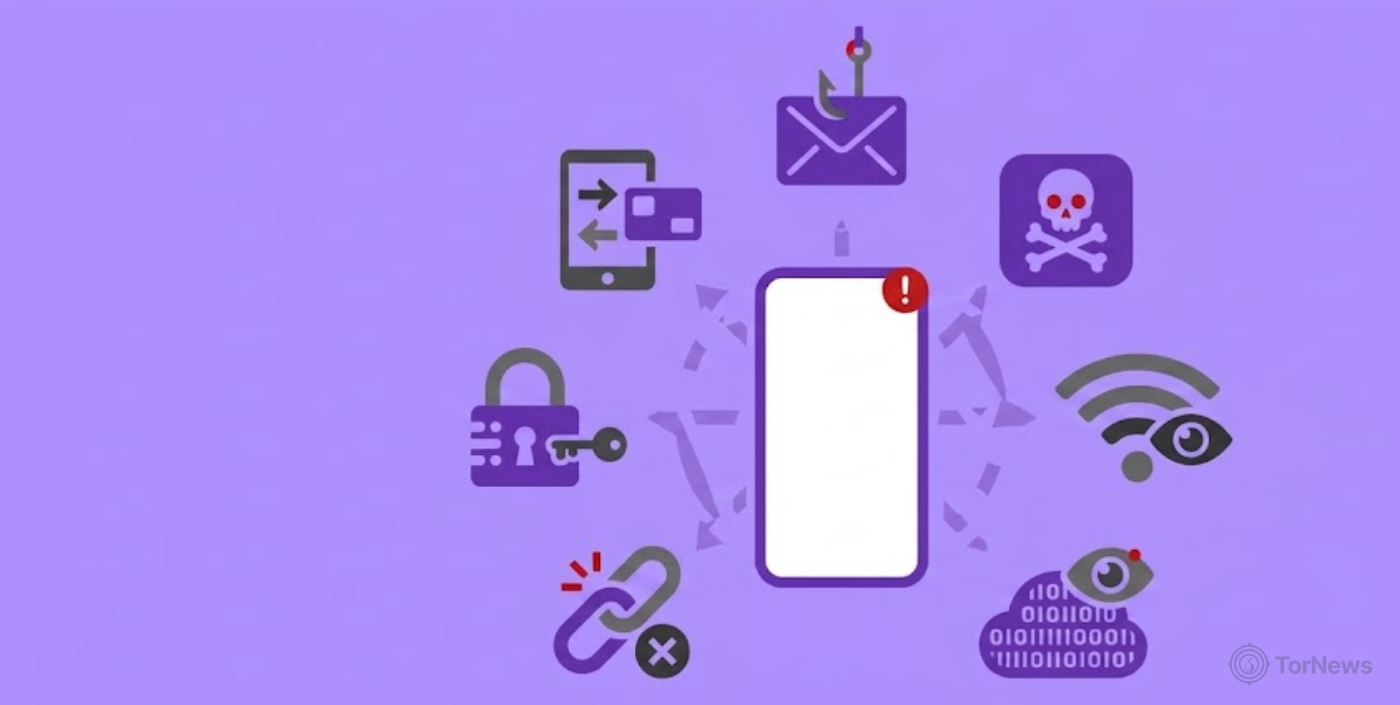
Common Attack Methods – Quick List
- Zero-click spyware: Invisible code executes immediately when it reaches your device, without requiring any screen interaction or file opening.
- Social engineering: Manipulative psychological tactics trick targets into giving their confidential personal data or account credentials.
- Malvertising: Contaminated advertising networks send out infected advertisements or website scripts straight through mobile web browsers.
- Smishing: Trickster SMS text messages pose as well-known companies to deceive users into opening infected web links.
- Fake apps: Malicious software disguised as innocent tools or games quietly acquires sensitive permissions and confidential files.
- Pretexting: Impersonators use gathered personal details to trick cellular network customer support agents into handing over account access.
- Physical access: Direct hands-on control lets perpetrators install silent monitoring software or change system authentication settings.
How Can I Tell If I’ve Been Hacked?
To identify a compromised smartphone, one needs to continuously monitor performance indicators of the hardware component, and the utilization of the wireless network, plus carrier configuration.
Malicious software runs in the background to perform illegal operations and creates traces on the operating system. And if you can highlight any such indicator at the early stage, it will eliminate the risk of compromising sensitive personal data. Let’s look at common indicators below.
A Significant Decrease in Battery Power, Overheating, and Considerable Use of Data
When malware infects a mobile device, it keeps operating in the background. Thus it establishes a data mining process while receiving orders from remote servers. This continuous process stops the smart device CPU from entering sleep mode, which causes the battery to run out within no time. This causes the device to remain hot all along.
Additionally, surveillance tools continuously upload extracted photos, keylogger logs, and location coordinates, which results in unexplainable spikes in monthly cellular data consumption.
Mysterious Carrier Diverts: What to Dial to See If Someone Hacked Your Phone
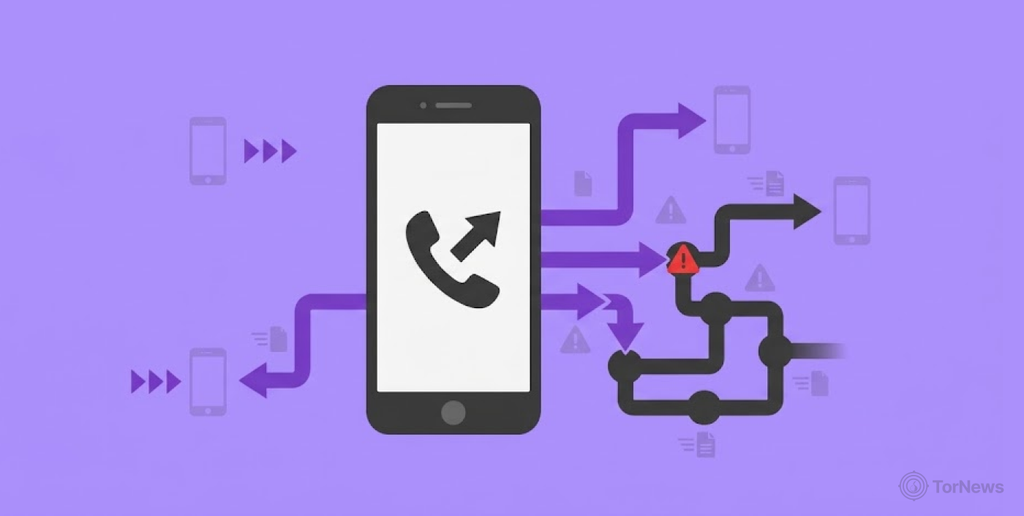
Attackers frequently modify network-level routing parameters to intercept your incoming calls, text messages, and multi-factor authentication security codes. Knowing what to dial to see if your phone is hacked allows you to audit these settings directly using built-in MMI/USSD carrier codes:
- Call *#21#: This function verifies whether there are any call/message forwarding settings in effect. It helps to confirm if there is a diversion of your data before your phone rings.
- Call *#62# or *#67#: This command checks whether there are any conditional call forwarding settings in place.
- Call ##002#: This command functions as an instant master cancellation option to eliminate all active call routing settings.
Strange Pop-ups, Adware Inundation, and Unrecognized Outbound Activity
Adware infections and rogue applications often display continuous full-screen pop-ups or redirect web browsers toward suspicious landing pages. You may notice unfamiliar app icons appearing on your home screen, or existing applications crashing repeatedly due to background resource conflicts.
Furthermore, if your contacts report receiving strange text messages or messaging app links coming from your profile, your account credentials or local hardware have been compromised.
Unexplained Account Security Alerts and Unauthorized Sign-Ins
Receiving unexpected requests for two-factor authentication or a password reset message means that an attempt was made to access your linked accounts. Many times, malicious software installed on a phone may steal session tokens or access passwords stored in the browser vault.
When intruders log into your primary accounts from remote locations, automated security alerts act as an immediate sign that the credentials of your phone have leaked.
Camera Indicator Lights and Unexpected Hardware Activation
Modern operating systems in mobile devices display indicator lights such as a green or an orange dot when an application is using the camera or the microphone. If these lights are lit when you are not using either the recording option or the voice assistant, then hidden spyware may be present on your device.
The appearance of unusual sounds in the background of your calls or sudden camera flashes may indicate that someone is using a remote surveillance system to monitor your environment.
Most Common Attacks – Detailed List
1. Zero-click Spyware
Zero-click spyware is the deadliest threat that the modern mobile phone user is facing nowadays. Unlike regular malware programs, zero-click spy feature involves no actions from the user on the phone as it quietly implements in the background. Here, a hacker simply sends a hidden payload inside a specially constructed message or data packet directly to your device.
Apps handling incoming communication files automatically process incoming data streams immediately upon arrival. Vulnerabilities hidden within these core communication background routines allow foreign code to launch silently. Consequently, spyware installs without the presence of any kind of system alerts, browser pop-ups, or consent windows.
This occurs as the attackers use zero-day exploits to obtain total control of handheld devices in a completely stealthy manner. Once installed, foreign operators remotely monitor live location data, extract stored files, read encrypted chats, and activate onboard hardware. Because of these advanced exploits, the user interaction prompts entirely, spotting an active compromise without professional forensic tools remains exceptionally difficult.
2. Social Engineering
Social Engineering continues to be the easiest form of attack used by cybercriminals who wish to gain access to a personal smartphone. Instead of going for a complex OS architecture, attackers use human psychology here. This helps them to manipulate their victims into providing confidential access to their accounts or personal information. Attackers use deepfake technology, individualized messages, and various scams using data from stolen databases to perform the trick.
Many concerned individuals frequently wonder, can someone hack my phone and see everything after a successful social engineering trick? Well, if the user grants them administrative rights or accepts deceptive authorization prompts, the hackers can access anything easily from their phones.
In the end, human error is always the weakest link in the security of mobile devices. The criminals change their story constantly to sound like contacts from legitimate people such as company representatives or government officials. The best way to avoid these types of attacks is to stay skeptical towards any digital communication coming from strangers.
Social engineering remains a major concern in cyber security because attackers often exploit human behavior rather than technical weaknesses to gain access to sensitive information. Social engineering is just one of many common cybersecurity threats you should know about. Understanding how these attacks work can help you spot suspicious activity and protect your personal information.
3. Malvertising
Malvertising takes advantage of digital advertising networks integrated directly into web browsers and mobile application frameworks. Cybercriminals purchase advertising spaces to unleash the infected code onto trusted sites. Malvertising advertisements fit right into online browsing sessions, making it almost impossible to catch them beforehand.
Once users engage on the infected pages, the ads trigger fake system messages, forced app installations, or drive-by redirect scripts. Although modern web browsers using sandboxes have reduced the likelihood of the threat, using rogue advertising networks continues to produce successful results with pop-up banners. Such advertising websites trick users into thinking that their battery is faulty or they have an infected operating system.
Upon pressing a fraudulent advertisement, the user receives a request to download a harmful utility application. However, such rogue utility is often functional malware that collects private data or displays persistent full-screen advertisements. Avoiding unverified ad pop-ups and keeping browser software updated minimizes exposure to these advertising vectors.
4. Smishing
Smishing is the use of fake SMS text messages that aim to deceive the user into visiting dangerous websites, which are designed to capture personal information. Cybercriminals send fake alerts by impersonating big banks, delivery companies, or government agencies in order to create panic that leads victims to act upon them without checking the identity of the sender.
People often wonder: can someone hack my phone by texting me on WhatsApp or regular SMS? Though it is safe to read the plain text message, the victims are exposed to hacked sites when they click the included links. Advanced smishing operations apply different techniques, such as domain exploitation and URL shortening, to mask harmful pages within trusted brands.
Once a victim goes to the scam website, the page forces them to re-enter their credentials or their sensitive account logins. In some cases, the page logs the data of the victim automatically via a malicious app download package. Double-checking sender numbers and accessing official websites directly prevents smishing attempts from compromising your accounts.
5. Fake Apps
Phony applications represent another common social engineering strategy for spreading effective mobile malware. Online fraudsters utilize innocent-looking games, utilities, and photo editors to embed malicious features into them. They establish the applications under the guise of real entities available on famous third-party websites or fake ones.
After installation, the rogue applications demand too many permissions to use the device’s camera, microphone, contacts, or location information. On open platforms, attackers deploy sideloaded installer packages or fake software profiles to establish persistent background access. Fake applications might also send hidden premium messages from the supplied device, and this makes the user of the device suffer financially as well.
Moreover, malicious software has the capability to record keystrokes or steal session tokens, which leads to unauthorized access to social media and bank accounts. Users should always inspect requested app permissions carefully before completing any software installation. Sticking strictly to official application stores significantly reduces the risk of downloading disguised mobile malware.
6. Pretexting
Pretexting happens when a criminal gathers stolen personal information to impersonate someone in front of cellular service providers. Criminals then call cellular customer service staff using the acquired personal information and report the loss of SIM cards, some technical failures, or stolen devices. They construct a plausible story to convince the customer service staff which can allow them to make unauthorized changes in the account.
The personal information used in these impersonation attempts can come from large-scale data leaks and underground sales. One reported case involved an alleged sale of 850 million China Mobile records, highlighting the potential reach of exposed customer information.
If customer support reps approve the transfer request, attackers execute a SIM swap operation. The victim’s actual phone number transfers over to a fresh SIM card controlled entirely by the criminal. As a result, the victim’s device instantly loses connectivity to the network as cellular service now goes to the device of the criminal.
With the number under their control, the criminal is able to intercept incoming text messages, sensitive phone calls, and multi-factor authentication verification codes. This access allows them to reset account passwords across financial platforms and private social networks easily. In order to prevent these pretexting attempts, it is advised to set up verbal PINs and secondary security questions with your mobile carrier.
7. Physical Access
Direct physical contact with a smartphone changes the entire risk landscape instantly. Intruders who gain physical access to unlocked hardware install commercial stalkerware tools within minutes. These stealthy surveillance applications are capable of keylogging, tracking GPS coordinates, and even streaming audio discreetly without marking their existence with noticeable icons in the system.
In addition, it is enough for someone who possesses the passcode of your device to bypass biometric locks. Once inside the system settings, an attacker registers their own face or fingerprint scan, maintaining persistent access without leaving visible traces. Also, they can install special configuration profiles or malicious certificates to monitor any network traffic constantly.
Physical interference presents a serious danger in relationships as well as the corporate environment. Smartphones that are left unattended in public places and offices can easily get into the hands of ill-intentioned people. The use of strong, non-predictable passcodes and safekeeping of your devices can create the right security boundaries against physical tampering.
Wireless Vulnerabilities – Why Bluetooth and Wi-Fi Hacks Fell Out of Favor
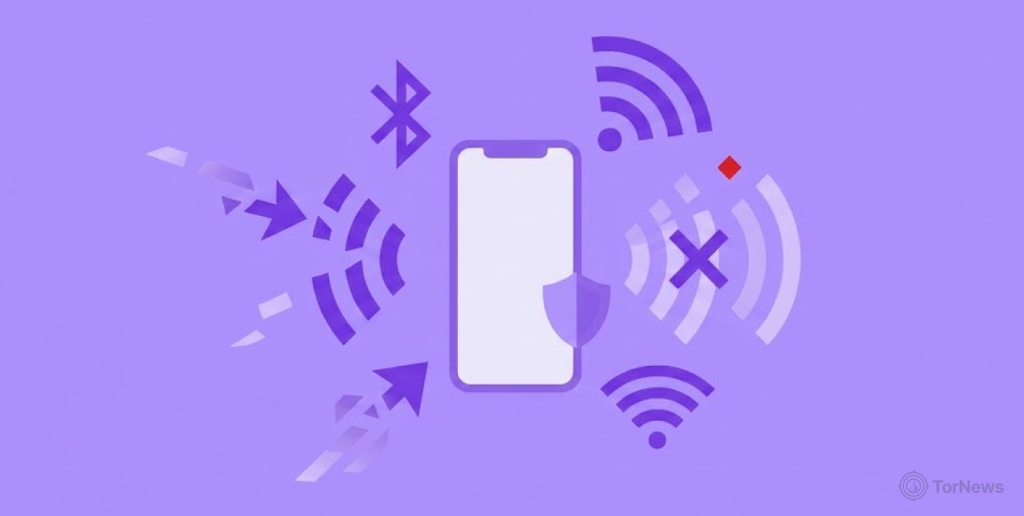
Before now, cybercriminals used to employ unsecured public wireless networks and visible Bluetooth connections to tap into mobile communication. Criminals used to utilize older methods of attack to carry out ‘man-in-the-middle’ attacks. Also, they could snoop on unencrypted HTTP traffic or utilize bluejacking to send files directly into the mobile devices of users in their vicinity.
While these wireless vectors caused significant damage in the past, modern mobile security architectures have drastically reduced their overall effectiveness. How? Let’s look at it.
Universal HTTPS Encryption and Modern Protocol Protections
Today, mobile operating systems have enforced universal HTTPS encryption throughout all web apps. This move ensures that casual snoopers can no longer decipher the intercepted network traffic.
Furthermore, the new Bluetooth protocols have been put into place to make sure of secure data transfers through authentication of the users and devices involved in the communication process. Since bypassing these updated safeguards requires massive technical effort for minimal payout, modern hackers have largely abandoned direct wireless connections.
Shift Toward Social Engineering and Mobile Exploits
Modern cybercriminals prefer social engineering campaigns, zero-click payloads, and misleading communication channels that completely avoid technical protection systems.
Learning effective mobile phone hacks and tricks allows users to figure out how criminals are using human error instead of depending on old forms of wireless exploitation. Cybercriminals understand that convincing a user to grant permission is quicker than trying to penetrate current WPA3 or Bluetooth standards.
The Aftermath: What Happens When Intruders Gain Control
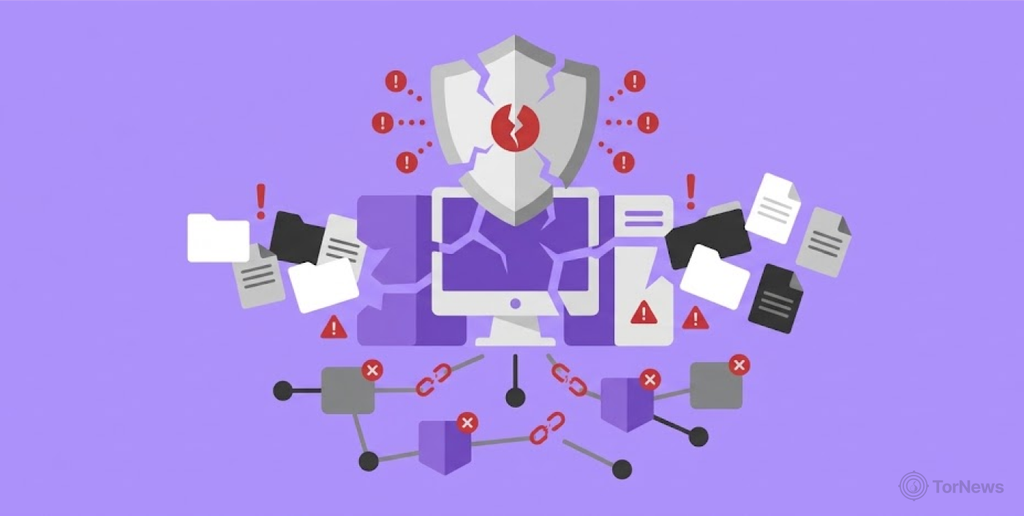
Once an attacker hacks a smartphone, the consequences go beyond a simple glitch in the operating system of the phone. A compromised smartphone can allow malicious individuals to have administrative access to the digital information and online usage of the victim. Understanding the specific consequences helps users comprehend why mobile security breaches pose such a severe personal risk.
Data Harvesting and Identity Exploitation
Criminals deploy background logging utilities to record keyboard inputs, capture private credentials, and extract stored financial information. They quietly download personal photo galleries, confidential email threads, and sensitive document stores directly to external command servers.
Hackers may also sell stolen passwords, financial details, and other sensitive information on underground forums. If you discover your personal information has appeared on the dark web, act quickly to secure your accounts and prevent further misuse.
Exposing user information can create further opportunities for identity-based attacks. For example, a hacker recently claimed to have a database of alleged Google Gemini users, highlighting the potential risks associated with exposed user records.
Also utilize compromised phone numbers to execute identity theft. They try to get loans or reset secondary account access tokens across connected platforms.
Real-time Surveillance and Hardware Hijacking
Breached smartphones effectively become active surveillance tools operating inside your personal environment. Intruders remotely toggle internal microphones and camera arrays to record real-time physical conversations and monitor private living spaces.
Furthermore, covert tracking scripts constantly ping GPS hardware to map daily commuting routes and log real-time physical location updates without user knowledge.
Financial Fraud and Lateral Network Spreading
Infiltrated devices serve as staging grounds for unauthorized financial transactions through saved banking applications or stored payment credentials. Perpetrators also leverage your trusted identity to send malicious links or scam requests to your saved contact lists via SMS and instant messaging apps.
If the compromised device connects to private corporate networks, attackers use stored access tokens to pivot laterally into secure enterprise databases.
The Cybercrime Ecosystem: Thick as Thieves in the Mobile Threat Landscape
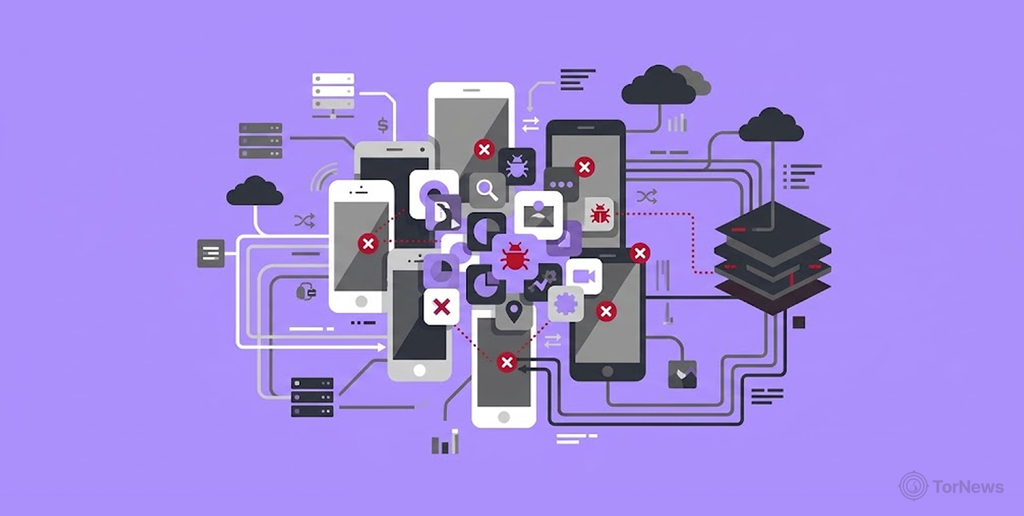
Mobile cybercrime acts as a business sector or underground commercial ecosystem. It is filled with organized criminals instead of lone criminals. Their operations mimic legitimate software businesses, complete with teams of researchers, customer support, and business subscription models. Knowledge of the way these organizations operate reveals how mobile threats manage to remain powerful and innovate constantly.
Dark Web Markets and Software-as-a-Service Tools
Specialized malware developers create complex exploit kits, zero-day vulnerabilities, and custom banking Trojans and sell them via dark web marketplaces. These underground markets are part of a much larger network of dark web websites, which includes anonymous forums, privacy-focused services, and communities that operate outside traditional search engines.
Cybercriminal services are available in the form of Diluted Malware-as-a-Service (Maas) that provides technical solutions to less experienced criminal groups. Terms like Malware-as-a-Service, exploit kits, and underground marketplaces can get confusing. Our page containing common dark web terms breaks down the language you’ll often encounter when learning about cybercrime.
Thus, the criminals can either pay a recurring fee or a portion of the stolen funds to the developers. This commercial division of labor allows virtually anyone to purchase turnkey mobile hacking operations without needing advanced programming skills.
Commercial Surveillance Vendors and Initial Access Brokers
Commercial surveillance vendors (CSVs) operate in legal grey areas across various international jurisdictions, building zero-click spyware suites to sell to high-paying global clients.
At the same time, initial access brokers focus exclusively on breaching mobile devices to compile active target lists and rentable botnets. These brokers then auction off verified device entry points to separate ransomware groups, corporate espionage syndicates, or financial fraudsters seeking immediate access.
Underground Monetization and Fraud Networks
After the initial compromise of the device, the victim, criminal groups specializing in money laundering immediately begin converting the stolen data into cash. Their activities include hiring money mules and creating special crypto-draining syndicates that transfer stolen money.
Their role is to confuse the auditing process by moving money using decentralized finance platforms and illegal exchanges. The interaction between the various actors in cybercrime contributes to the success of the operations.
How to Protect Your Phone from Being Hacked
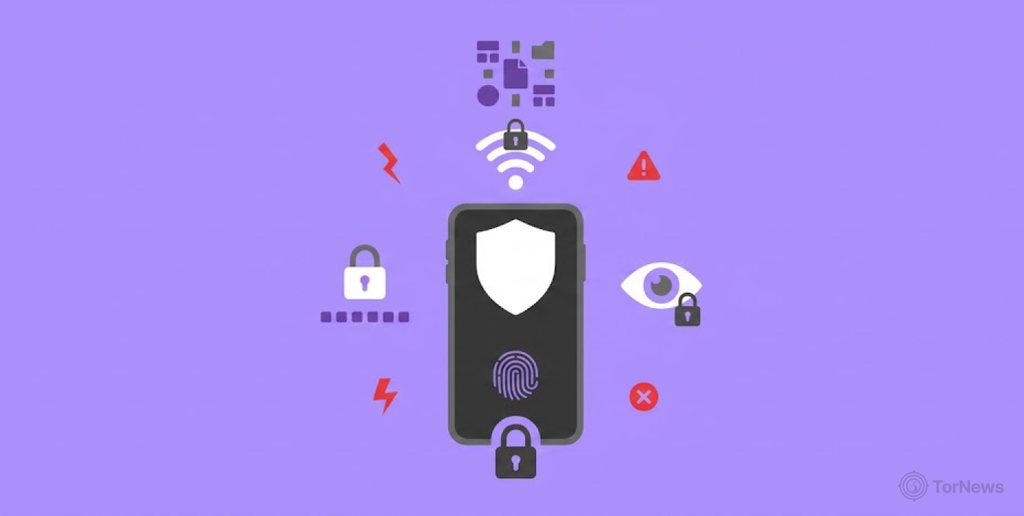
The protection of a mobile device from contemporary cyber threats requires the consistent performance of digital practices plus the use of effective system setups. The introduction of layered protection techniques allows to prevent unauthorized access.
Maintain Updated Operating Systems and Software
System updates deliver critical security patches that resolve newly discovered operating system vulnerabilities. Cybercriminals take advantage of outdated devices to easily carry out zero-click hacks and remote access Trojan hacking techniques. Using auto system upgrades will help the device to get security updates immediately as they become available. Also, it helps to shut off all known entry points against automated exploit tools.
Lock Your SIM Card and Enforce Multi-factor Authentication
To prevent account hacking, it is necessary to protect the device at both hardware and network levels. Making sure to use a unique SIM PIN will help to prevent the attackers from using your SIM card in a different device, plus intercepting your personal text messages.
Furthermore, adopting authenticator application tokens instead of basic SMS-based two-factor authentication protects high-value accounts against SIM swapping and pretexting exploits.
Deploy Reputable Mobile Security and Antivirus Apps
By installing specialized safety programs, an active defense comes into place for protection against concealed malware attacks, unwanted applications, plus dangerous online environments. Trusted mobile security solutions continuously scan the processes running on the device and perform inspections of the downloaded content. They also warn against suspicious URLs before their execution.
In case of a security breach, figuring out how to unhack my phone properly will start from performing a full scan for malware.
Audit Application Permissions and Avoid Unverified Downloads
Reducing the availability of local software helps to minimize damage if some rogue software gets through the initial store filters. Regularly check and set permission management options to prevent unnecessary access to the camera, microphone, GPS services, and contacts list.
Avoid loading software packages or downloading apps from unverified third-party platforms and websites. The best option is always to go through official application stores.
Avoid Public Charging Stations and Secure Wireless Connections
Physical interfaces and open wireless networks expose handheld hardware to direct interception attempts. It is best to avoid plugging into public USB outlets to prevent juice jacking attacks as they can transfer malware via data pins. A reliable VPN helps you secure your information when using a public Wi-Fi network.
Conclusion
To keep your mobile devices safe, you require continuous monitoring of the devices, as well as appropriate measures such as the use of the right software tools plus strong account security controls. Cybercriminals continue to shift their methods of attack and customization. However, layered security protocols can help reduce the likelihood of falling victim to mobile threats.
The use of several simple practices such as immediate software updates plus avoiding unverified links will offer you protection. Also, taking a look at app permissions goes a long way toward keeping your data secure from attacks.
Staying informed on mobile phone hacks and tricks will also help you identify advanced banking scams before the fraudsters get hold of your device. Make sure that you take the necessary steps toward securing your SIM card, spotting hardware irregularities and controlling who has access to your device.
FAQs
Of course, if a hacker manages to gain remote access to your phone by using malware, such as a remote access Trojan or zero-click spyware, they will be able to see everything stored on it. These include your pictures, your chat messages, your contacts, your account balances, physical location, etc.
In most cases, simply getting or reading a regular WhatsApp message does not put your phone in danger. However, zero-click exploits delivered through WhatsApp data packets can execute code in the background silently. Additionally, tapping on malicious links from WhatsApp text messages can take you to phishing sites or trigger malicious software downloads which can cause the hacking of your phone.
To eliminate a breach in a working device, you should disconnect instantly from the mobile network and Wi-Fi. Delete any suspicious installed apps plus clear the cache files of your browser. Also, run a full system scan using a reliable security app. If the background behavior remains suspicious, factory reset the device and restore it to its original state.
Public Wi-Fi networks in airports or cafes expose your connection to potential local interception risks. While modern operating systems enforce HTTPS encryption across most web traffic, connecting to open access points without a Virtual Private Network (VPN) can still expose unencrypted domain requests and local IP metadata to network eavesdroppers.
Knowing your phone number alone usually isn’t enough for someone to hack your device. However, scammers can use it to send phishing messages, impersonate you, or attempt a SIM swap. They may also combine your number with personal information exposed in data breaches to target your accounts. Protect yourself by enabling app-based two-factor authentication and setting up an account PIN with your mobile carrier.
Yes. Hackers can exploit certain software vulnerabilities through zero-click attacks, which don’t require you to open a link, download an app, or interact with a message. These attacks are generally more sophisticated than ordinary phishing attempts. Keeping your phone updated and installing security patches promptly can reduce your exposure to known vulnerabilities.