iCloud Private Relay and VPNs are security tools that help to keep your privacy while you’re using the internet. Many people think they are quite similar. But they aren’t.
iCloud Private Relay has a long way to go before rubbing shoulders with a trusted VPN that has stronger/advanced security and wider protection. Leaving a trusted VPN for iCloud Private Relay will certainly leave more vulnerabilities on your network when compared to a VPN.
In this article, we will take a closer look at what these two security tools are. We will also study the major differences between the two and finally know which is better. Let’s begin.
What is iCloud Private Relay? (In layman’s Terms)
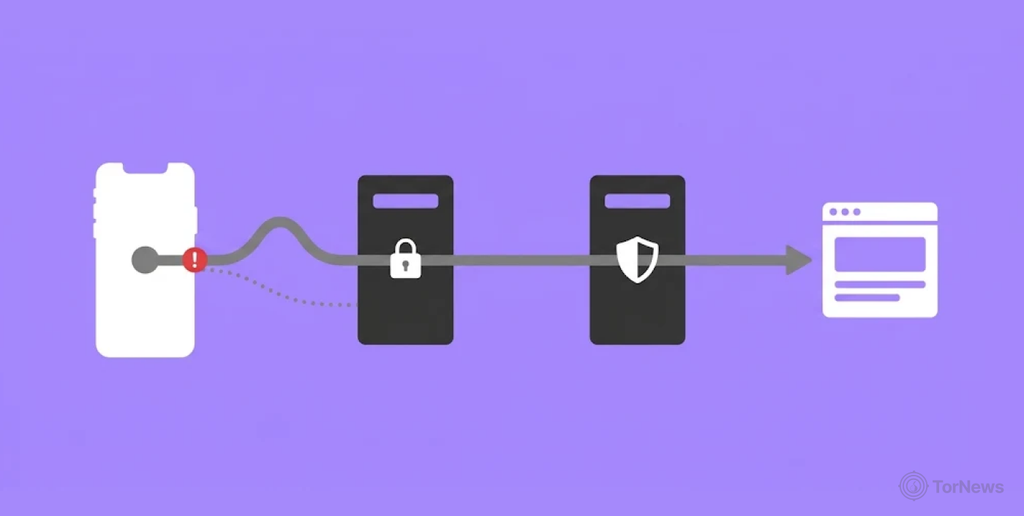
iCloud Private Relay is a privacy security feature on the Apple+ subscription that was launched in 2021. Also known as Apple Private Relay, this tool encrypts your web traffic on Safari and directs it through two relays.
These relays help to throw off anyone tracking your data. They won’t know what sites and platforms you visit or be able to see your IP address. Even your internet service provider will be blind to your activities on the internet.
iCloud Private Relay is a reliable way to browse the internet only when you don’t leave Safari for other web browsers. Unfortunately, it doesn’t support other platforms outside Safari. So, for the best protection, stick to the Safari web browser.
Main Features
- Safari only: It is used on the Safari web browser found with Mac OS, iPadOS 15 and iOS 15. Basically Apple products only.
- Location privacy: There is the option to either use a wider country/time zone or your general location when locally seeking for search results.
- Requirements: You have to subscribe to Apple+ subscription to use the Private Relay.
- Easy setup: The moment you subscribe to Apple’s iCloud+, you can activate the iCloud Private Relay without additional settings.
- Reduce web tracking: Since your traffic goes through two relays, it becomes difficult for monitoring parties to keep tabs on your behaviour online. Neither will they be able to identify you. Thanks to a well-hidden IP address.
How iCloud Private Relay Works (How to Use It?)
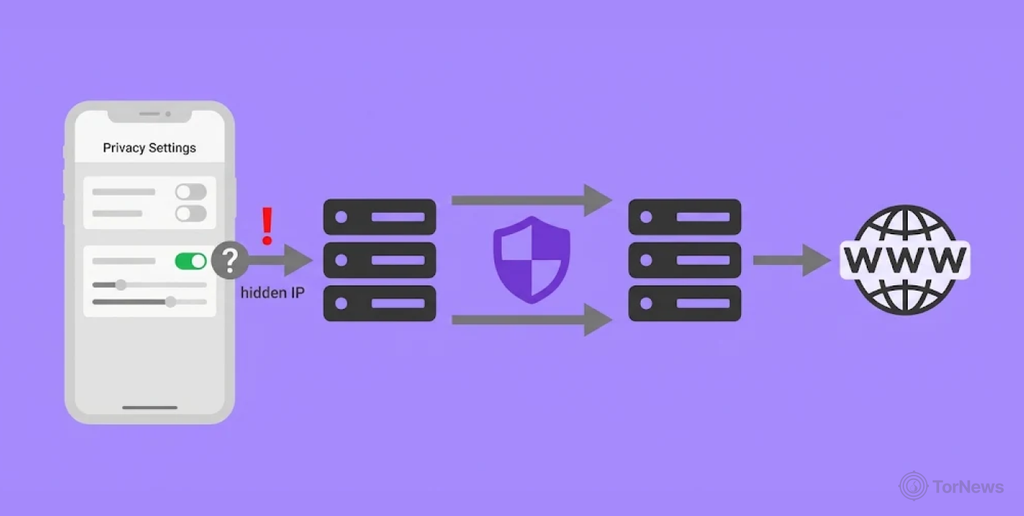
Once the iCloud subscription is set up, activate iCloud Private Relay. Then go to your default Apple web browser (Safari) where you can visit websites of your choice. Your Apple device will encrypt the URL of the website you intend to visit, including your DNS records. All monitoring platforms won’t know the website you are accessing.
Your first Relay by Apple exposes your true IP address and location but can’t tell which website you visit. The second Relay gives you another IP address, known as a Relay IP. This IP address remains visible to the website you visit.
Relay networks can also face security threats. In a separate incident, hackers hijacked hundreds of Tor exit relays to steal SSH passwords, highlighting the risks that can arise when attackers compromise network infrastructure.
With this “fake” IP, your search results will work according to the settings you made for your location. You are the only person that knows about your original IP address. The second Relay on a third party platform will know the website you visited but won’t see your true IP address, except the one assigned to you.
Simply put, your web traffic and activities won’t be linked to you. Your privacy remains intact. Observers can see your country, time zone and city. But none of these will be connected to you since they don’t know your true IP address. Privacy on steroids.
When the website receives your internet traffic, it will think it originally came from those relays. The website won’t know the original server of yours.
Your privacy is secured at every point. When your IP address is exposed, your browsing activities remain hidden. Similarly, when your activities are known, they cannot be linked to your real identity. Sounds like a VPN, right? Well, there are some key differences between the two. And we’ll get to that.
Benefits of iCloud Private Relay over VPN
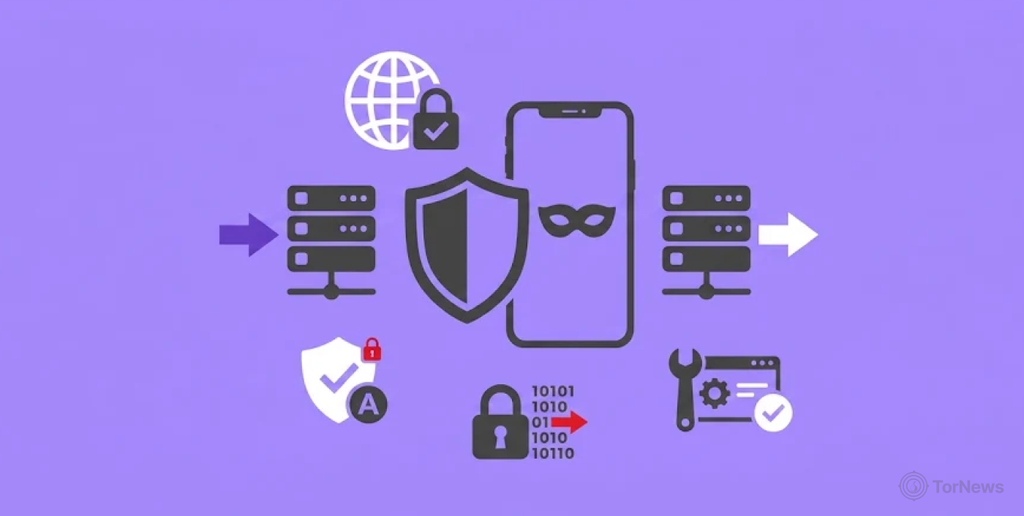
There are advantages that come with using Private Relay. Here are some of the reasons to use it:
- Performance: Thanks to optimization for the Safari browser and the use of new protocols like QUIC, users will notice a faster performance. There is little delay between a request from the user and the response from the website. It would be a lot slower when all the traffic from the user’s device is run through one remote VPN server.
- Native integration: There is no interference from other network traffic like home media and printers since it’s built solely for the Safari browser. The limitation comes with an advantage.
- No configuration: The Private Relay works on macOS, iOS, and iPad OS. You activate the Private Relay with a simple toggle; that’s all. Quite different than some VPNs that require manual activation and apps.
- Cost effect: As it comes with the already existing iCloud+ subscription, there is no need to pay for another VPN service.
- Location integrity: VPNs are famous for complete masking of a user’s location but Private Relays will still offer locally made content that is important to the user. These are from search results that show local content of the users location all the while, hiding your true IP address.
Disadvantages of iCloud Private Relay over VPN
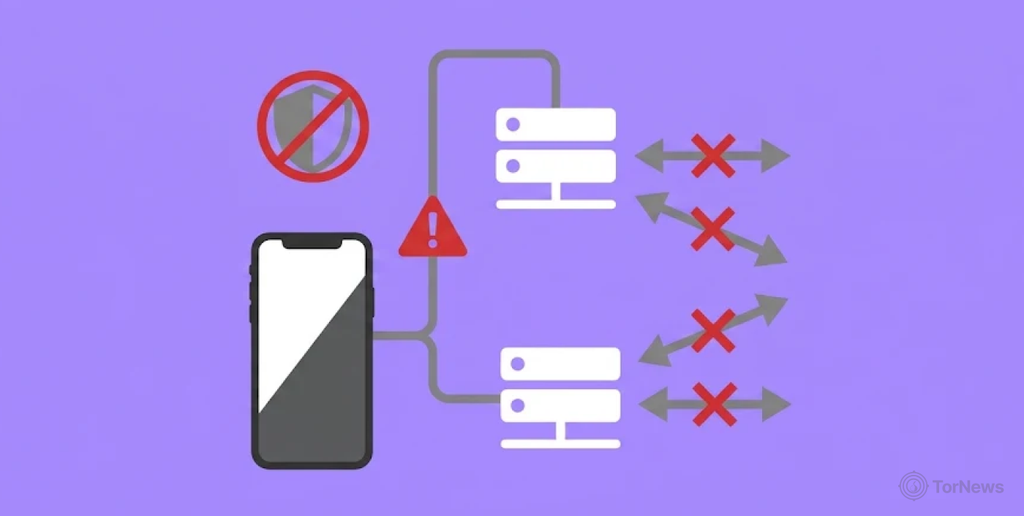
- No support for strict websites: There are website networks with policies of tracking IP addresses of all traffic on their platforms. Unfortunately, it’s possible to block traffic from iCloud Private Relay because they will be seen as a proxy.
- Lack of advanced features: Private Relay does not have cool features like “kill switch.” This feature blocks off all internet access the moment the user logs out. It helps to remove any digital footprints left behind that might be tracked by interested parties.
- Restricted coverage: iCloud Private Relay was built for Safari web browser only. That’s the only platform your traffic will be protected on. They can be safe in some DNS queries and that’s just about it. Your traffic is exposed on other browsers like Firefox and Chrome. In fact, there is no support for other third party apps.
- Works only on Apple ecosystem: The only way to use Private Relay is by subscribing to iCloud+. Such a subscription exists only on Apple devices like iPad, Mac and iPhone.
- Lacks geographical options: A VPN has the option to choose any of the several servers scattered in different countries. It bypasses regional restrictions on contents by choosing a server in a region to access. However, Private Relay only enjoys content from the local region of their location.
What is a VPN?
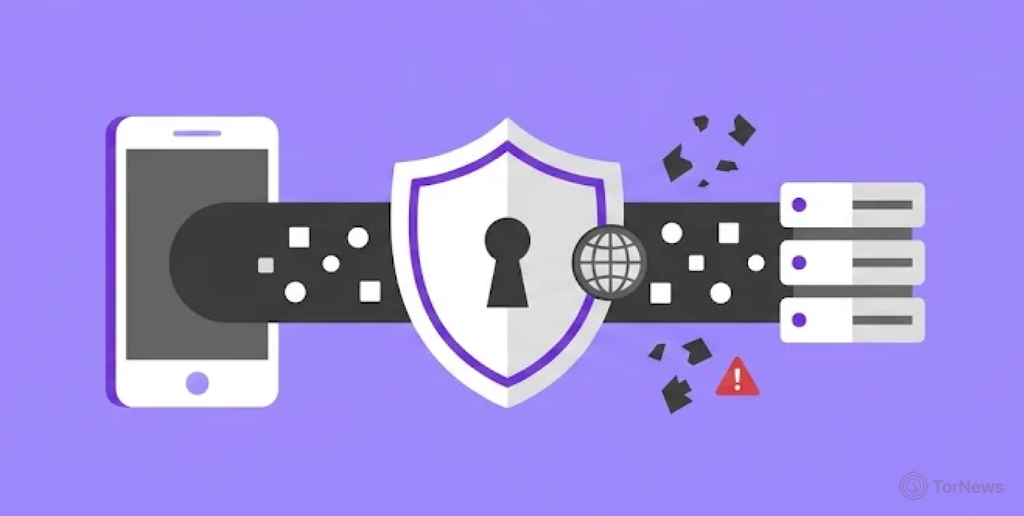
VPN directs your traffic through safe connections. It hides your IP address to protect your privacy. But most importantly, your information will look useless to anyone following your traffic.
A VPN passes your traffic through any of their numerous configured servers. It makes anyone tracking the traffic to think the server is the user’s internet service provider.
VPN directs your traffic through secure connections. It hides your IP address to protect your privacy. But most importantly, your information will look useless to anyone following your traffic. If you want to understand how VPNs compare with another popular privacy tool, read our guide to Tor vs. VPN, which explains the differences between the two and how they protect your online identity.
The hacker will think the user’s location is where the server is. If you are in China and your government has banned the use of Facebook. All you need to do is choose a server outside of China.
If you, for instance, choose a US server. Any monitoring platform will think you are in America. You can easily access Facebook from that server. Regional restrictions are known as geo-blocking. VPNs help to avoid such restrictions.
How Does a VPN Work? A Simple Explanation
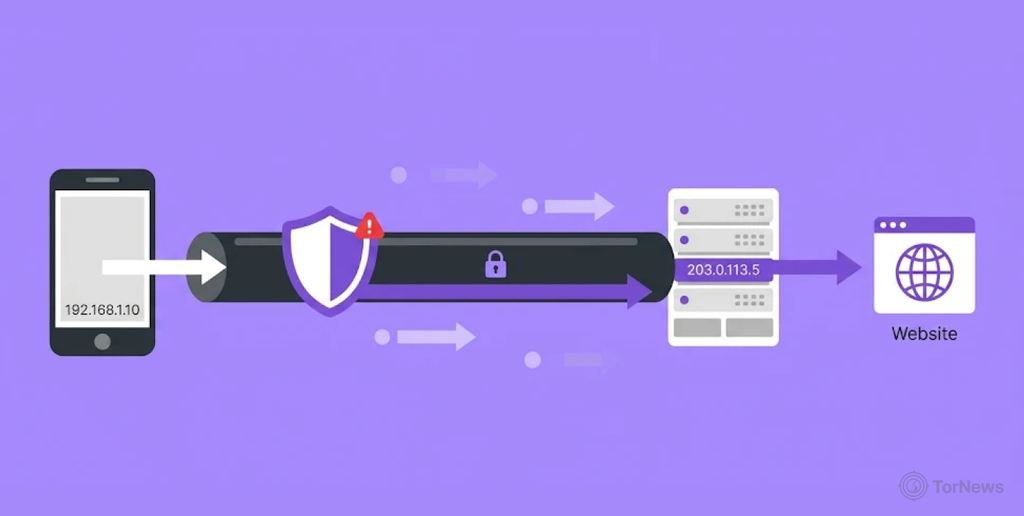
A reliable VPN quickly protects your connection. Your information is taken to the server you chose. The VPN breaks your data into pieces as it moves from the app to the server.
Your traffic will look useless to anyone who sees it. The app sends this gibberish to the server. The server you chose will reassemble the information, making it understandable. It sends this traffic to the website you clicked on.
This website is notified of the incoming traffic and receives it. The website then forwards the information back to the server where it is turned into gibberish again.
The VPN sends the “useless” traffic back to the app where it is converted to something that makes sense. You then receive this information from the VPN app. A full circle.
From the explanation, the only parties that know where you go are you and the website. Neither hackers, ad agencies, or your internet service provider will know the website you visited.
Advantages of VPN over iCloud Private Relay
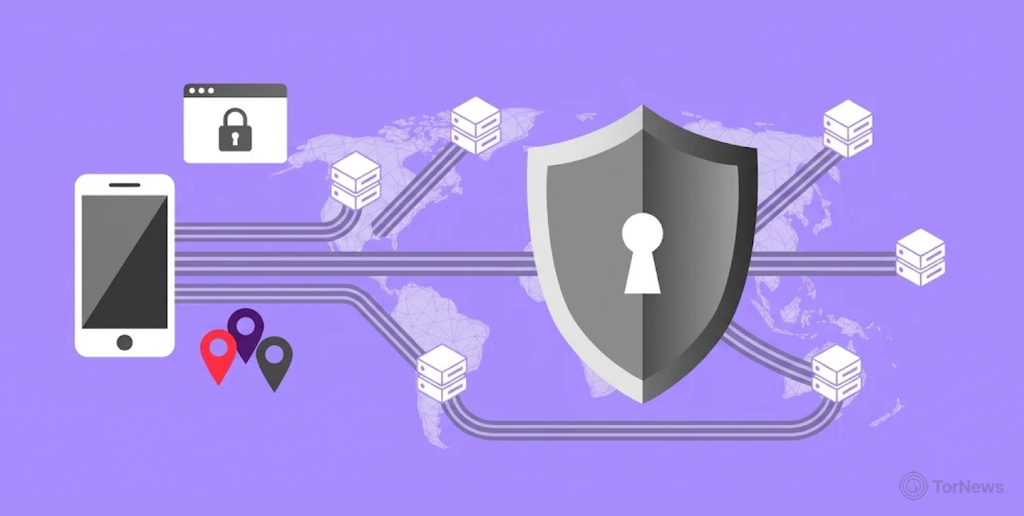
There are certain aspects of a VPN that make it a better option than Private Relay. Here are some of the reasons to use a VPN:
- Secured public WiFi: A VPN offers protection of your network when using public WiFi. Hackers love “public places“ on the internet, and most folks have their devices hacked when using public networks. Here’s the thing. Public WiFis have vulnerabilities that hackers use to compromise a user’s private and sensitive information. So with a VPN, bad actors can’t get their hands on your information. They can’t even be linked to you because your IP address stays hidden.
- A broader coverage: Unlike iCloud Private Relay, which mostly works on the Safari web browser, a VPN protects all traffic that flows in or out of every app on your device.
- Advanced features: Unlike iCloud Private Relay, VPNs have a “kill switch” that eliminates any trails left by the user on the internet, making it more secure. Other interesting features include DNS leak protection.
- Encryption options: With a trusted VPN, there are more than one encryption type to choose from, like WireGuard, IKEv2 and OpenVPN.
- Bypassing geo-blocking: Thanks to several servers available on VPN Apps, you can select any of them to go round regional restrictions placed on your current location. There isn’t any way to access banned content on Private Relay. You can’t access content outside your current local location.
- Support for more operating systems: While iCloud Private Relay supports only Apple devices that have iCloud+ subscription, VPNs support smart TVs, Android OS and Linux. With these options, you can balance privacy, speed and other aspects to meet your performance needs.
- Stable connections: Paid VPN services keep you online. Hence, the delays between requests and responses are reduced, which gives you a faster performance when loading pages, even during peak usage by other subscribers.
- Route options: With VPNs, you can choose if you want your traffic to go through websites/apps or through the VPN itself. This feature is called Split Tunneling and is missing in the Private Relay.
Disadvantages of VPN over iCloud Private Relay
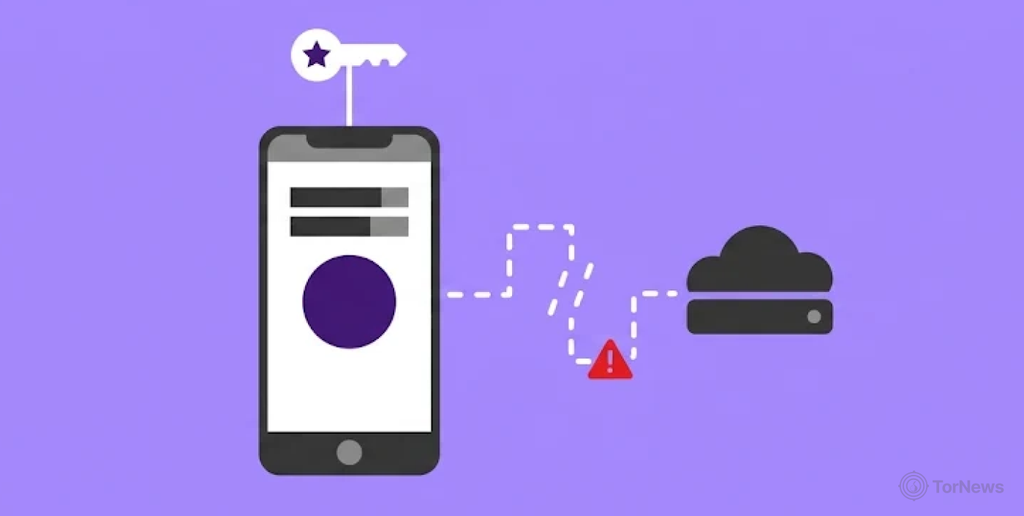
Despite the many advantages of VPN, there are some shortcomings that we feel you should know. Let’s see if they outweigh the advantages:
- Legal problems: The use of VPNs in some countries are not allowed. We mean countries with authoritarian governments like Iran, China and Russia that don’t practice democracy. You could be arrested, tried in court and sent to jail. Besides such countries, they are legal to use in most nations worldwide.
- Configuration is tiresome: It’s easy to set up normal VPN apps. Although they are user-friendly, some VPNs might be complicated to set up when selecting advanced protocols or manually setting up a router.
- Slow speed: The performance slows down when your data passes through another server after your internet service provider, scattered in badges and reassembled. This increases the time it takes to make a request and to receive it.
- Cost of subscription: Paid versions are the best but that’s not the problem. Some of these paid versions can be more expensive than the iCloud+ subscription on Apple devices. That’s because these VPNs have advanced features that are obviously lacking in Private Relay.
- Trust concerns: Moving your trust from your internet service provider to the VPN service raises serious trust issues. If the VPN service has not been verified, it could lead to security concerns. If their security policy is not strong, the VPN service can be hacked. That will certainly compromise your data.
- Not completely reliable: What VPN does is to hide your IP address and make your information look confusing to monitoring platforms. It offers no protection when you click on a link or website that contains viruses in them. So, as much as VPNs are used, you still need to be careful of the websites you visit. This is particularly important when exploring less familiar parts of the internet. Our dark web 101 guide explains what the dark web is and highlights important things users should understand before accessing it.
- Be wary of free VPNs: The reason we advise to go for paid versions is because they make money from the subscriptions you make. But the free versions don’t make money the same way. Their developers are tempted to sell your data/online behaviour to interested parties without your knowledge.
- Data usage: Premium VPNs might use a lot of data. This poses a problem for subscribers that can only afford smaller plans.
- Blocking of traffic: Financial or streaming platforms can block IP addresses that are not known because of security and trust concerns.
When to Use VPN vs iCloud Private Relay
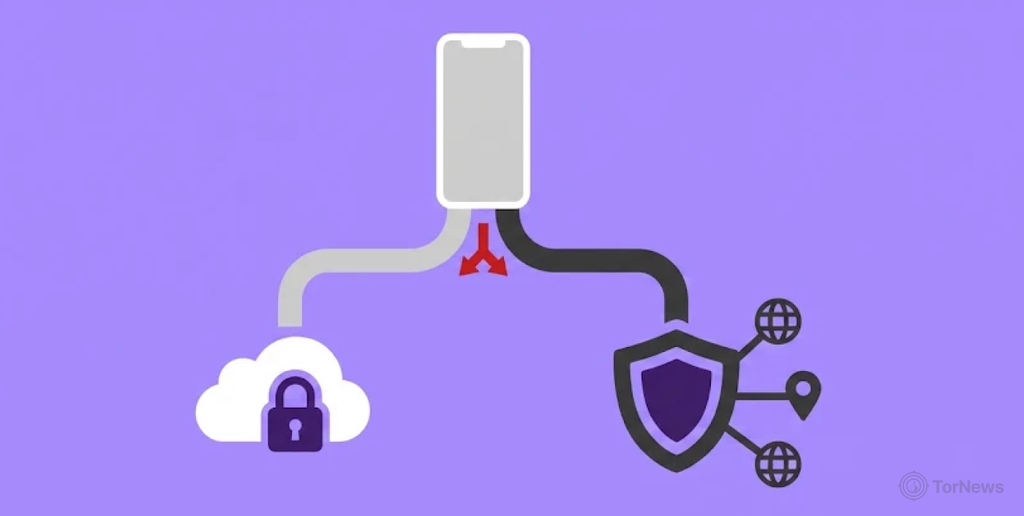
iCloud Private Relay becomes a better option under the following circumstances:
- If you have already subscribed to iCloud+ and want to use an inbuilt security tool. The advantage is that Private Relay has been optimised for the Safari web browser.
- Safari is the only web browser you use when online.
- Best option if your major concern is to limit tracking of your traffic and to hide your IP address.
- To avoid complex configurations in settings like seen on most advanced VPN apps. Private Relay is more user-friendly.
iCloud Private Relay is more appealing to beginners who can be intimidated by complex configurations. If this is you, go for it.
When to Use VPN vs iCloud Private Relay
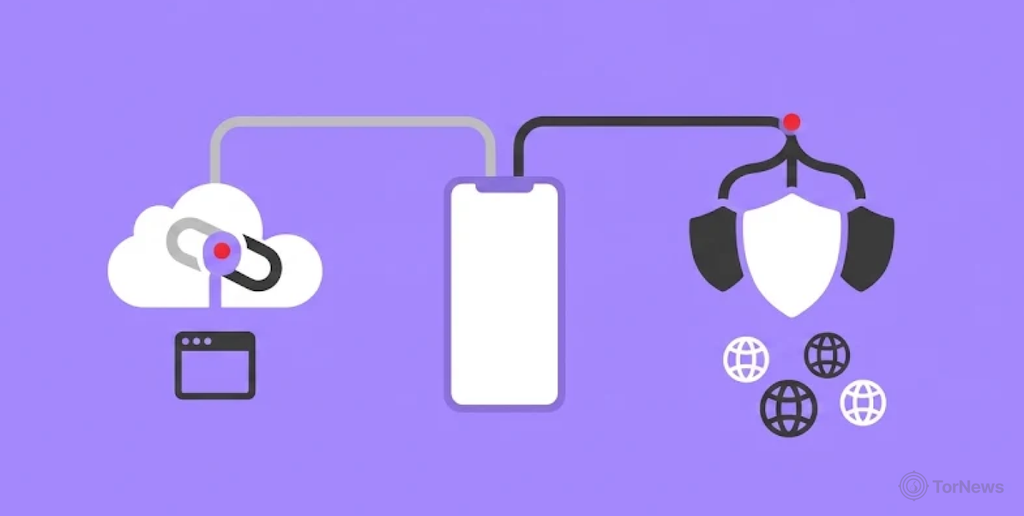
VPNs, from explanations made, appear to be a better option. But you will know when it’s the best option. For instance, when:
- Simple security tools are not enough, and you want extra layers of protection to feel safe.
- You are interested in protecting every traffic that flows through all the apps on your device, not just Apple Safari.
- You want a security tool that has support for several operating systems found in Mac OS, iPadOS, iOS, Linux, Windows, and Android.
- You don’t want Safari to be the only app on your device that handles sensitive information shared on the internet.
- You want to mask your location to either bypass regional restrictions or hide from hackers and other monitoring parties.
iCloud Private Relay vs VPN: Key Takeaways
The table below will give you a simple look at the major differences between VPN and iCloud Private Relay:
| S/N | Feature | VPN | iCloud Private Relay |
|---|---|---|---|
| 1. | Traffic route | Every internet traffic | Safari though iCloud + subscription |
| 2. | VPN server options | Yes. Many servers to choose from different locations | No |
| 3. | Device support | Lots of devices | Strictly for Apple devices only. |
| 4. | App support | All apps are supported. | Safari support only |
| 5. | Encryption | Every traffic | Safari traffic |
| 6. | Manual setup | Very much needed | Very little |
| 7. | Hiding IP address | Yes, with many locations to choose from. | Yes, but for the local region only. |
Protect Your Privacy and Security on Any Browser
At the mention of other browsers, only one option is best suited: a VPN. They don’t just protect any browser but also all apps on your device that connect to the internet.
There are many wonderful VPN apps out there, and we have taken the time to bring out the best ones in 2026. Let’s check them out.
The Best VPN Apps in 2026
There are many wonderful VPN apps out there, and we have taken the time to bring out the best ones in 2026. Let’s check them out. If you are specifically looking for a VPN for dark web browsing, you can also explore our article on the best VPNs for the dark web, which covers VPN options for users who want additional privacy while accessing the dark web.
1. NordVPN (The Fastest/Best Features)
This VPN has been consistent in ranking as the fastest VPN out there. This performance makes it ideal for gamers and 4K streaming. It comes with lots of features, more than competitors have. It’s good to know their server network has been audited and their apps are user-friendly.
Pros
- Ease of use: The interface looks clean and not clustered like some VPN apps, making it easy for beginners to operate.
- Speed: In this regard, it “flies” when it comes to performance speed, especially when it’s used with NordLynx.
- Strong security: It comes with advanced features like Meshnet and Double VPN with a good no-log policy. And yes, comes with the reliable AES-256 encryption.
- Good streaming options: The app can give you access to mainstream streaming platforms like Netflix, Hulu, and BBC iPlayer.
- Coverage: Over 8,400 servers are found across 225 locations.
Cons
- Limited customisation: The platform is not rich with advanced features for power users when compared with other rivals.
- Renewal rates are high: After the first payment, subsequent subscription costs are noticeably higher.
- Connection problems: On a few occasions, users in the US or Canada have complained of struggling to connect to some servers. Others have complained of slow connections.
- Map interface: Clunky for beginners.
2. Private Internet Access (Customisation King)
This VPN is a paid version that gives you the expected features from a decent VPN app. It is highly customizable and a favourite for Android users.
Though it is not amongst the fastest out there, the admirable price makes it very attractive to many users. The subscription is $2.03 per month (for a 3-year plan). If you are looking for a good VPN and you are on a small budget, this is for you.
Pros
- Huge coverage: It has more than 30,000 servers scattered across 91 nations. Here is the interesting part. Do you know Private Internet Access has at least a server in each state in America? It can even bypass regional restrictions or blackouts inside the US.
- Unlimited connections: A lot of other VPN apps at best provide between 5 to 10 simultaneous connections to different devices. PIA offers unlimited connections to as many devices as you have. Even friends and family can enjoy this app with you at the same time.
- Proven no-log policy: This sort of privacy has been verified and audited by trusted third party platforms, even in court cases.
- Customisation: Since its open source, it gives the user control over encryptions like AES-256 and AES-128. The user can also adjust automation and protocols like OpenVPN and WireGuard.
Cons
- The “14 eyes” countries: Previously a “5 eyes” country, is an agreement between 14 nations across Europe to share intelligence amongst each other. The US is one of such countries and government spying on citizens is bad business for folks who value their privacy.
- Speed: The VPN does a decent job of providing encryption and privacy. Unfortunately, it lags behind in speed when compared to other rivals like Surfshark and NordVPN.
- Complex configuration settings: Definitely not that user-friendly for folks who aren’t tech experts. The desktop version can appear to be clunky, which can be intimidating for beginners.
3. Proton VPN (Overall Best)
Developed in Switzerland, this VPN covers everything a VPN is supposed to do, and does it well.
The no-log policy is very strong and through WireGuard, has fast performance. The VPN provides support for streaming platforms like BBC iPlayer or Netflix. It has unlimited data used for torrents, making it a great option for streamers and others who love their privacy.
Though it has a free version with strong privacy and security, it can connect to only one device at a time. But the paid version provides connection to 10 devices at the same time.
Pros
- Coverage: Thanks to more than 21,000 servers in 197 locations, ProtonVPN boasts a vast network. A lot of options to mask your location.
- Good shield: It has built-in features that block malware, trackers, and ads.
- Speed: With the good shield it provides, you will enjoy an uninterrupted browsing experience. If these interruptions were available, the speed would reduce, but that’s not the case. WireGuard helps to increase the speed performance too.
- Torrent/streaming: The paid version gives access to big streaming platforms like Hulu, Disney+ and Netflix. It also boasts of P2P servers used for torrenting.
- Reliable security: It offers servers called “Secure Core” that direct your web traffic through countries like Sweden, Switzerland and Iceland. These are countries that encourage privacy. Still on security, it uses a strong kill switch and AES-256 encryption.
- Unlimited free version: There aren’t many VPNs out there that offer unlimited free browsing like Proton VPN.
Cons
- Limitations on free versions: You won’t be able to enjoy special fast servers or streaming services with the free version.
- Expensive: The cost for the free version is higher than some rivals, although it’s worth it considering the quality they provide.
- Poor customer support: Emails are used and can be slow and frustrating at times. Live chat support is missing. It would have been great to have.
Apple Private Relay vs VPN: Which is Better?
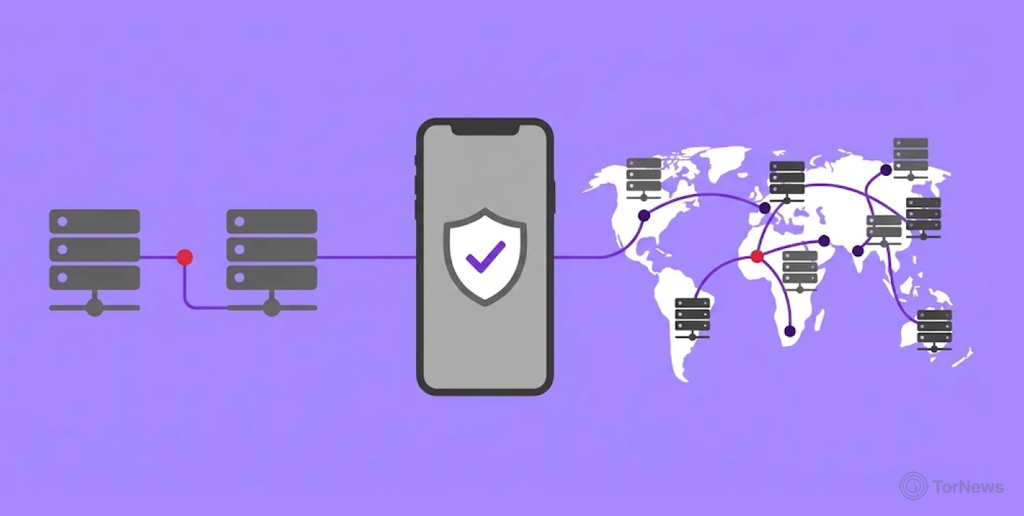
So, a trusted VPN app or Apple Private Relay? Well, both are good security and privacy tools that appeal to people with different priorities. Both share similar qualities, but fortunately, we can now see how different both are from each other.
If you are already used to the Apple ecosystem and reluctant to try a different operating system, iCloud is just what you need. Not everyone is tech-savvy. Are you in this category? Then, Private Relay will be for you. It’s easy to activate from iCloud settings. It offers the best security tool for your Safari web browser.
On the other hand, if you are seeking a wider protection that cuts across different devices, operating systems, and apps, a reliable VPN is just what you need. VPNs are better because they offer better encryption of your internet traffic, a kill switch, mask both your IP address/location, and the ability to bypass restrictions placed on some regions.
As much as Apple iCloud Private Relay is a decent alternative, a reliable VPN has become the best standard for data protection and privacy, that is, if you don’t mind complex manual configuration.
FAQs
It is reliable for normal usage on the Safari web browser. Only if it’s used there. However, it can’t continue to protect your data when you use other apps that use the internet on your device. Private Relay does not have a stronger or broader coverage like a paid version of a VPN app.
Yes, but it’s either you are using one at a time or the other. You can’t use both simultaneously.
No. A robust VPN covers more devices and all apps connected to the internet. It will be a mistake to think of iCloud as an alternative to VPN and use other apps on your device. Your device will be open to attacks when you do that.
No. iCloud Private Relay doesn’t protect your browsing activity in Chrome or other third-party browsers. It’s primarily designed to work with Safari.