-
Hackers are pretending to be the Ministry of Interior and Civil Defense and sending fake missile alert emails with urgent safety instructions.
-
Unlike most phishing scams, the email doesn’t come with links, instead it asks people to scan a QR code, which it uses to bypass email security filters.
-
The goal is to send the victim to a fake Microsoft login page where their login credentials are stolen when entered into the page.
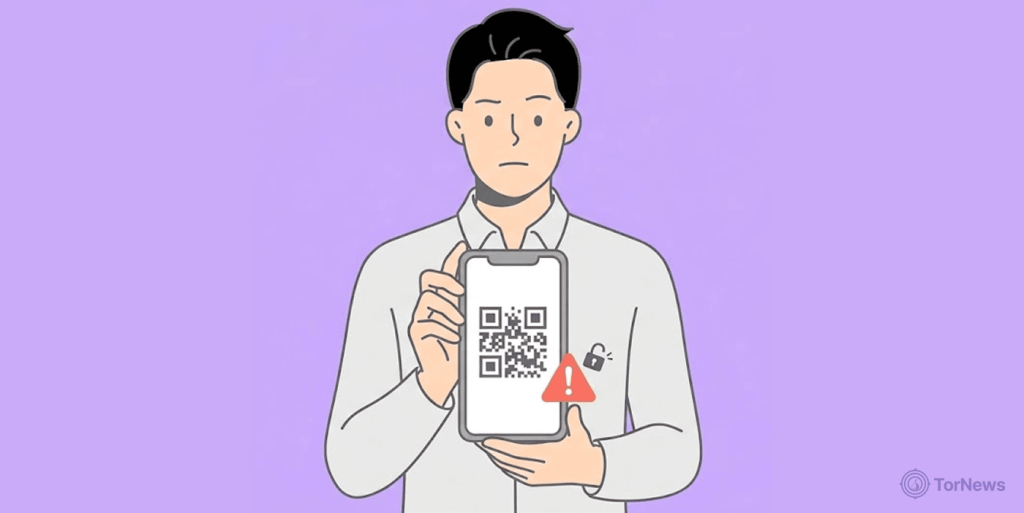
Hackers are now using fake missile warnings to steal Microsoft passwords. They exploit fear of war with fake government emails and QR codes.
Researchers at Cofense found these scams popping up during the recent tensions between Iran, the US, and Israel. Notably, people are already worried, and that fear makes them easy targets.
Details of the Scam
This is how the scam works – you get an official looking email claiming to come from the Ministry of Interior and Civil Defense. The subject line reads: “Public Safety Advisory Action Recommended.” The sender address is often something like this: [email protected].
Anyone who pays attention even might find it suspicious. But most people won’t notice that when they panic.
The email shows a big red warning that says “SEVERE / ACTIVE.” It tells you to take cover immediately because of a missile attack. The message does not directly mention Iran by name. But the urgent language about seeking shelter matches real alerts from regional conflicts involving Israel and Iran.
Meanwhile, here is the clever part. The email does not include a normal web link. Instead, it asks you to scan a QR code to see official emergency procedures. Why a QR code? Because security filters often miss these codes. It is a simple way to sneak past protection.
Cofense researchers explained this perfectly. They call it “a classic example of social engineering, leveraging panic and authority to trick users into acting quickly without verification.”
QR Code Trap and Stealing Microsoft Passwords
What happens when you scan that QR code? You first land on a fake human check page at ministry.sharedfilescorps.com/interior/$ where you’ll see a box asking you to prove that you’re not a robot. To an unsuspecting person, that feels normal. Everyone hates those captcha checks.
However, after you click, the real trap springs. The page sends you to a fake Microsoft login screen. It looks exactly like the real Microsoft page. Same colors, same logo, same layout. You would never know the difference. That is where the theft happens. When you type your email and password, the hackers grab both. Now they own your Microsoft account.
The hackers combine two powerful tricks. First, they pretend to be a government office. That gives them authority. Secondly, they use trusted names like Microsoft. Also, they try to drive panic in people by using fear-driven narratives that vulnerable people will likely fall for.
How to Not Fall for this Scam
Ignore any email coming off as urgent and avoid whatever QR codes attached, do not scan it. Especially one that asks for passwords. Real emergency alerts will not send you through a QR code to a Microsoft login page. If you get a message like this, stop and think. Call a friend. Check official news sources. Do not act out of panic.
The best advice from experts is simple. Never type your password into a site you reached through an unexpected QR code. That one rule could save your account. The same principle applies to WhatsApp, as Microsoft’s warning highlights, never open unexpected attachments or click links from unknown senders, even if the message appears to come from a trusted contact, since malware can spread through compromised accounts.
