In today’s digital world, privacy is no longer optional, it’s essential. Every click, search, and online interaction can be tracked by governments, advertisers, or even cybercriminals looking to exploit personal data.
Just like curtains protect your home from outside view, online privacy tools protect your digital life from unwanted surveillance. From banking apps to social media accounts, almost everything we do online is being monitored, analyzed, and sometimes even sold for profit.
This growing lack of control has made privacy tools more important than ever. They help users secure their data, stay anonymous, and regain control over their online presence.
In this guide, we’ll explore the best online privacy tools in 2026 and how they help you stay protected in an increasingly connected world.
Our Quick List of the Top-notch Privacy Tools
- Brave Search: An independent search engine that focuses mainly on privacy that does not create personal profiles or track the user.
- Incogni: This tool removes personal information that is left behind which can be used as digital footprints are removed.
- Session: A decentralised platform where signing up does not require an email address or phone number.
- LibreWolf: Similar to firefox but with a better feature to stop fingerprinting, tracking and general improvement on security.
- Firefox Focus: A privacy browser that has programmed tracking abilities and blocks ads, increasing speed.
- SurfShark VPN: This VPN has been verified by Cure53, a respectable third party platform. It can hide your IP address which is basically your identity.
- NextDNS: A DNS service that comes with free 300,000 searches in one month. When this has been exhausted, it will work like a regular DNS service that doesn’t block.
- StartMail: The best option for private email accounts with a 10gb storage capacity. It is most useful to avoid phishing done through emails.
- BleachBit: Most useful in wiping off disk space that is not assigned and also the shredding of unwanted files.
- Internxt: Enables anonymous account creation with no KYC required. The free plan offers 10GB lifetime storage, while €299 provides 2TB lifetime access with a one-time payment.
What are Privacy Tools?
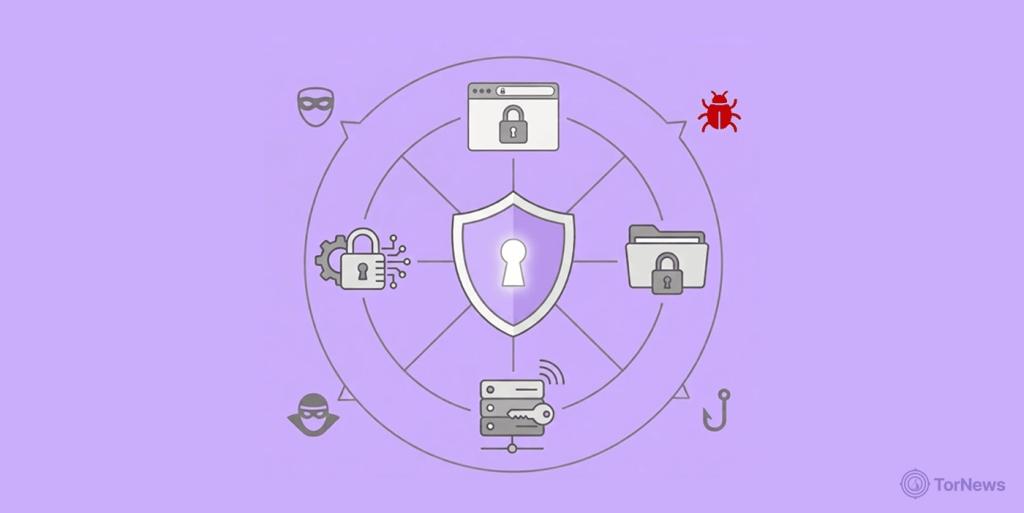
They are softwares that help users manage the information they share on the internet. It protect our private or personal information and make sure no one sees them except the people you want to share them with. You can call them privacy utilities, privacy services, or privacy apps.
Thankfully you can download many of these tools and can use them for free (free privacy apps) while others have paid subscriptions. However you get them, they give protection against surveillance, tracking and information collection through anonymization, encryption and filtering.
Who Needs Data Privacy Software?
From an individual level, basically everyone needs Privacy Tools because everyone has important information they use online either for business transactions or personal private matters. For instance, people do not share family matters with the public.
For those who want to take their privacy to the next level, accessing the dark web for research or legitimate purposes, our guide to the best dark web sites provides a starting point for navigating hidden services safely and understanding what lies beneath the surface web.
There is a popular saying that “you don’t wash your dirty linen in public”. The statement is deep because everyone has “dirty linen” to wash. The government will dig into your past or private information to look for what to use against you.
Medical records too are confidential matters and should remain a secret between the patient and the doctor unless the patient doesn’t mind sharing their health challenges to the public.
For instance, politicians traditionally don’t share their health challenges to the public as this could negatively affect their chances of winning elections negatively. Most people want a healthy candidate. In the corporate world, every platform has transferred their operations to the digital world. Everything is online now. Also, almost every criminal activity is online too.
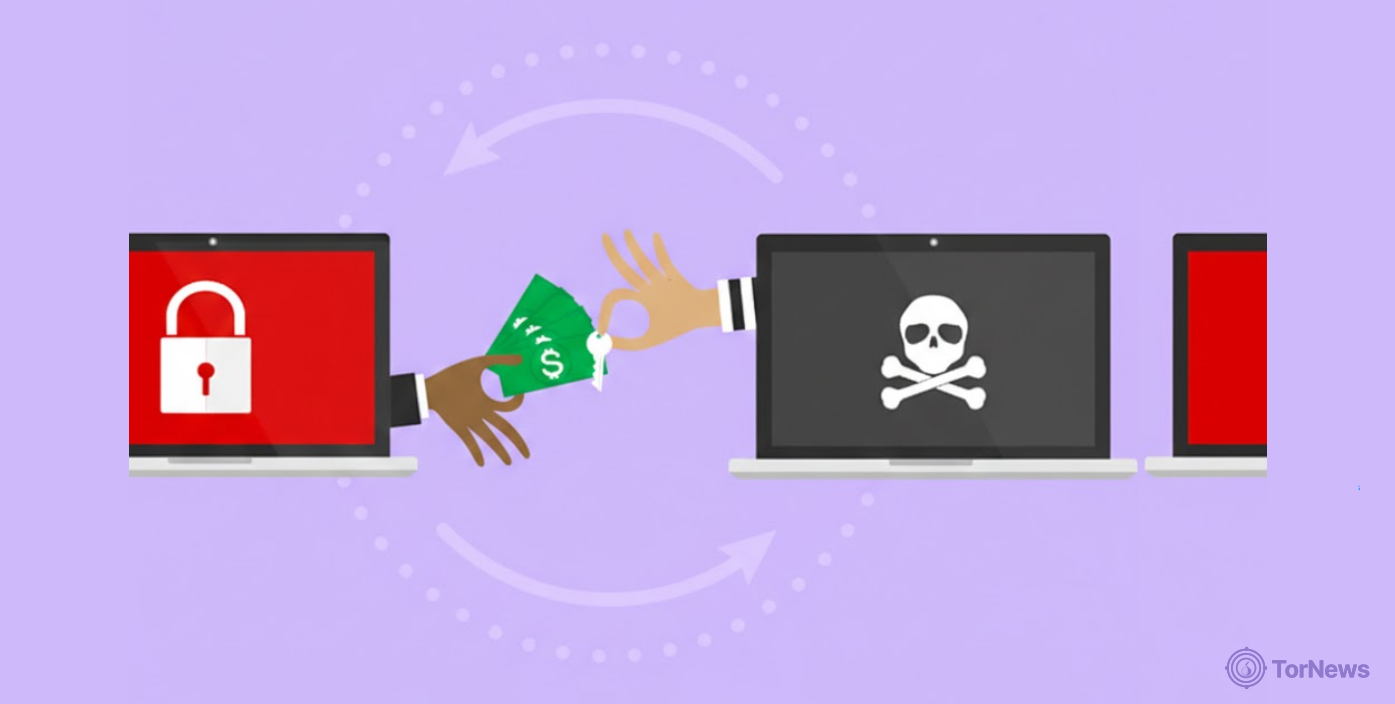
So this has caused problems such as sensitive information theft, data loss, and file encryption carried out by internet criminals, which can deny victims access to their own files. We call these cyber attacks. Cyber attackers target individuals, but they find it even more lucrative when they target corporate organizations.
Cybercriminals make more money from organizations than from individuals. Companies have lost millions of dollars to ransomware attacks ever since the boom of online business activities from the covid-19 pandemic period, thanks to the lockdown policy that was enforced.
Organizations like Apple have experienced cloud data breaches but claimed they were caused by human error from customers rather than a failure of their security systems. Many other companies have lost money to hackers who demand ransom before giving back sensitive information to the victims. This happens on both individual and corporate level.
Best Online Privacy Tools Today – Detailed List
Today, the best online privacy tools focus on battling AI-powered tracking, browser fingerprinting, and data broker surveillance. We evaluated dozens for you. Top solutions emphasize “privacy-by-default,” open-source code, and easy-to-use interfaces, ranging from hardened browsers to automated data removal services. Below you go with our list of 10 best ones out there.
1. Brave Search
Pros
- No user profiling
- Minimal ads
Cons
- Smaller database
It’s a privacy-based search engine that does not record users personal information, does not depend on big tech companies and doesn’t keep track of the users searches and results.
Unlike Google, it does not present search results based on personal information collected from the user. Instead, it uses an AI Leo and ranks results according to searches made by other users.
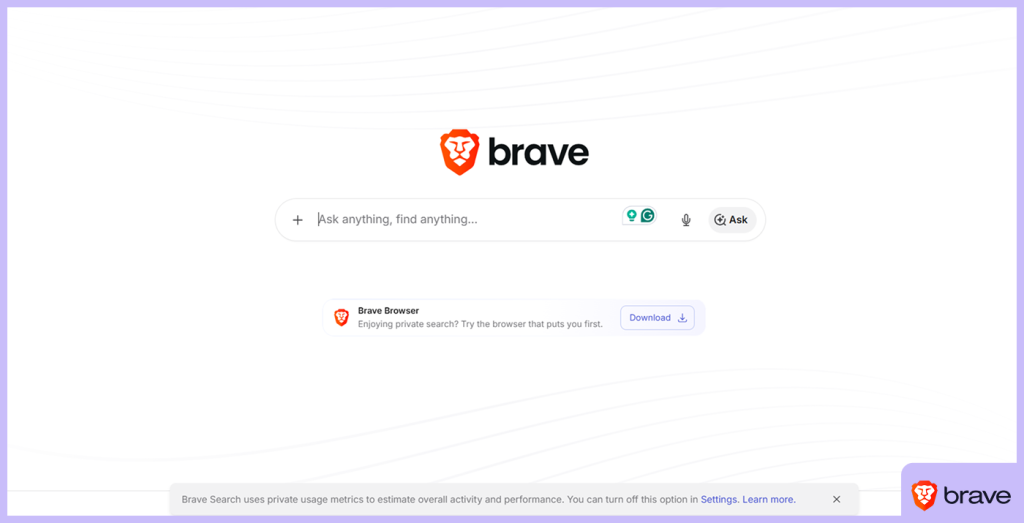
We have to admit,Google intruding on your personal information presents better result indexes as they are tailored to your interests and more organised. But it comes at the price of your privacy. But Brave search tries to compensate with the other methods mentioned, not as accurate as Google but at least, your privacy will be intact.
2. Incogni
Pros
- Easy to use dashboard
- Saves time vs manual requests
Cons
- Not all data brokers are covered
One of our favorites (but it’s a paid service). What we love about Incogni is the fact it doesn’t tolerate digital footprints from the user. An automated privacy tool by SurfShark, it forces information brokers to remove personal information.
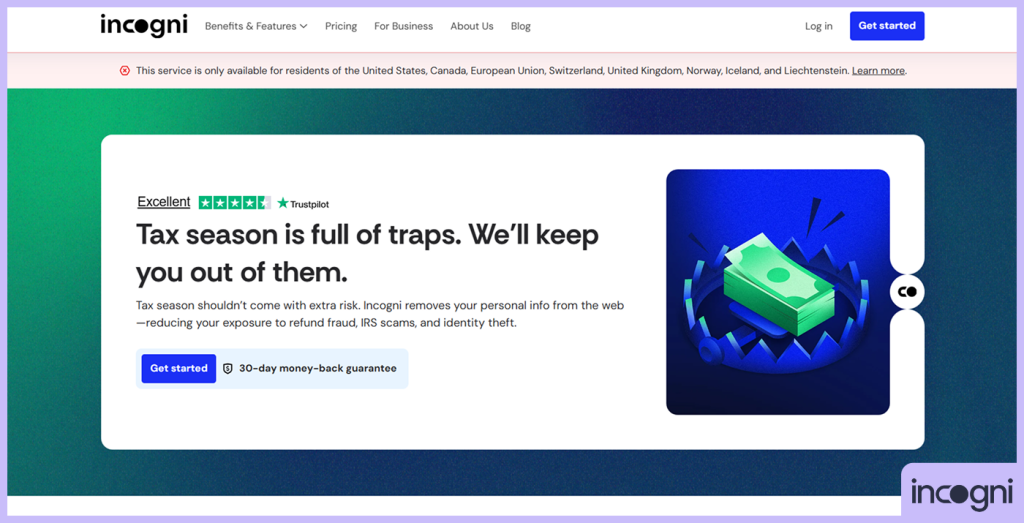
This process reduces spam frequencies but improves privacy for the user. The dashboard is easy to use and helps to trace requests and it’s compliant with top privacy laws like CCPA and GDPR. Once you set up Incogni, you literally don’t have any concerns about your privacy. It’s really that good.
Sadly, this wonderful privacy tool does not have a free trial. Some users even find it very expensive to use. More bad news. It is available only in a few countries, including Switzerland, the US, Canada, the UK, and the EU.
3. Session
Pros
- No phone number required
- No metadata collection
Cons
- Smaller user base
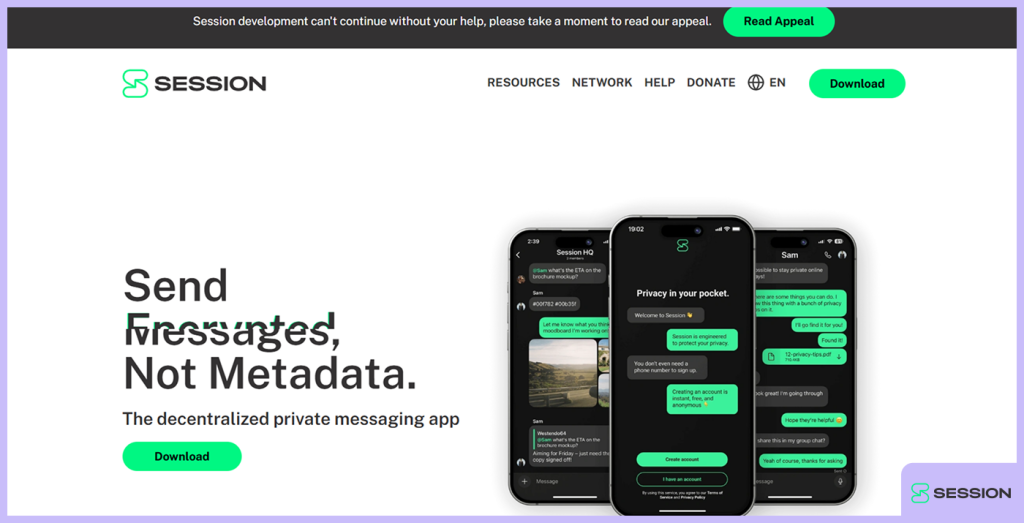
A decentralised open-source messaging app that focuses on the best privacy for the user. It doesn’t need any personal information or phone number for the user to sign up, making it extremely difficult to monitor a user’s activities.
That’s not all it can do. Comes with an end-to-end feature for more private conversations online. One of our best features is the “onion-routing” that hides information and IP addresses.
Anonymity at its peak. In case you didn’t know, the onion routing used by the Tor Network, arguably the best private browser, is so good it can be used on the dark web. That’s by the way.
As safe as the “onion-routing” is, it comes at a cost. The multiple routing to different servers to confuse any monitoring party can slow down how pages load. But as far as anonymity is concerned, it’s better than Signal. You can take that to the bank.
4. LibreWolf
Pros
- Blocks trackers and fingerprinting
- Privacy hardened by default
Cons
- No auto-update feature
This is another privacy-focused, open-source version of Firefox that, by default, removes unnecessary “phoning home” features, telemetry, and most importantly, trackers.
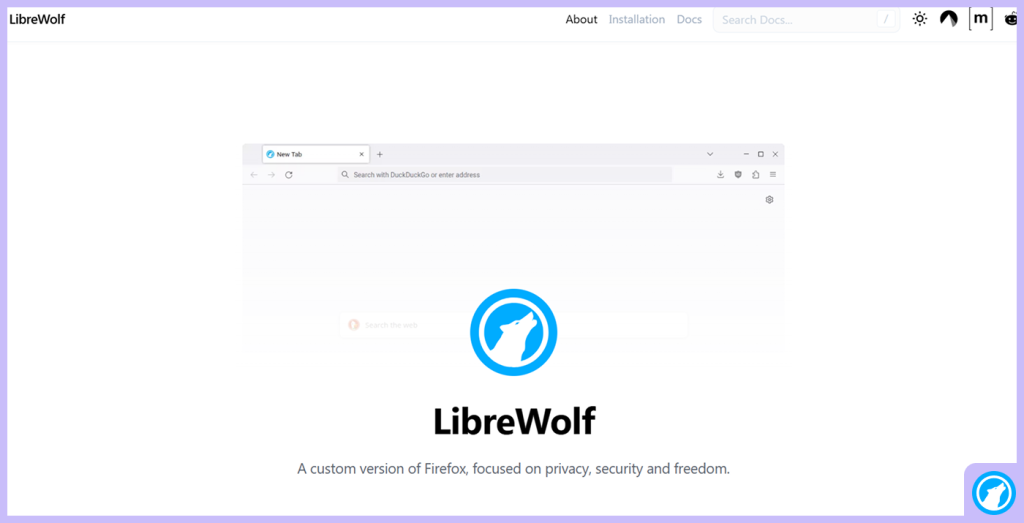
Other features include strong fingerprinting prevention, ublock origin( reinstalled), enforced HTTP and a solid privacy policy resulting in a recommended user friendly tool that is very privacy based for users who don’t joke with their privacy.
5. Firefox Focus

Pros
- Auto-deletes browsing history
- Lightweight and fast
Cons
- No extensions support
Firefox focus is a well designed mobile browser built for the best privacy and comes with a one-tap trash icon to wipe off all sessions and a solid automated tracker/ad blocking feature.
It does not work with tabs, cookies or history which makes the browsing experience to be smooth and fast due to little or no interruptions. To be honest, you should use it as a secondary option rather than a primary one.
6. SurfShark VPN
Pros
- Unlimited device connections
- Affordable long-term plans
Cons
- Some advanced features cost extra
Sufshark is a privacy-based and very secured VPN that uses a strong no-log policy audited independently, AES-256 encryption and Ram-only servers.
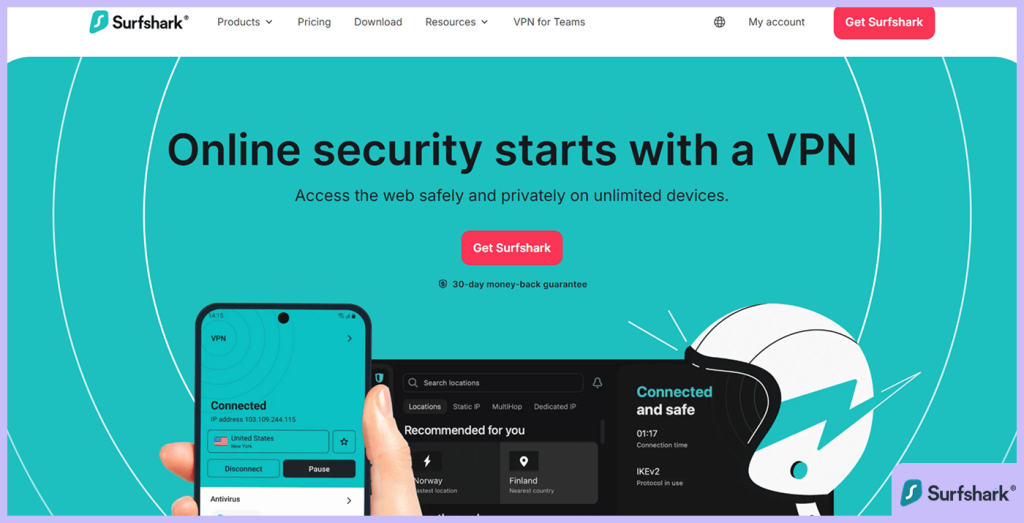
Coming from the Netherlands, this VPN has MultiHop, a kill-switch and clean cleanweb which is a malware and ad blocker. Many people consider SurfShark to be one of the best privacy tools in 2026.
7. NextDNS
Pros
- Detailed analytics and logs
- Works across all devices
Cons
- Advanced features require subscription
This is a very configurable privacy based DNS that is very good in blocking ads, malware, trackers and generally very robust in acting as a firewall for networks. Also, the security settings like DoT/DoH are easy to use and appeal to beginners. Added to all these are analytics with free queries up to 300.000.
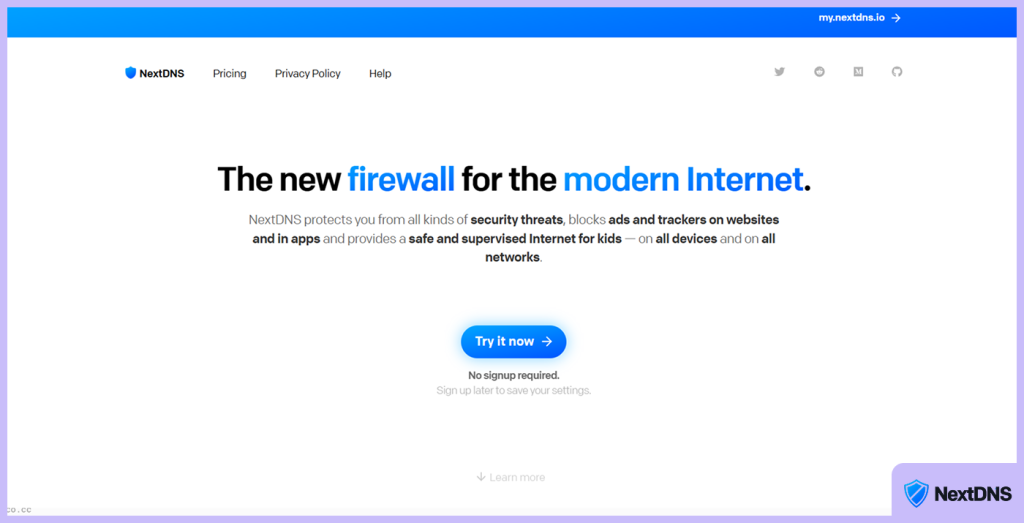
After that, you can start paying $3.99 per month. Although many users consider it trustworthy, the main concern is that it is based in the US and requires payment.
Most profit based privacy tool platforms can go as far as selling your information to ad agencies or companies who will later bombard you with annoying ads that clearly show your interests.
8. StartMail
Pros
- Strong email encryption support
- Based in privacy-friendly jurisdiction
Cons
- Limited third-party integrations
StartMail is a privacy based and very secure email platform that is once again, based in the Netherlands. It was developed as a highly private alternative to the popular Gmail.
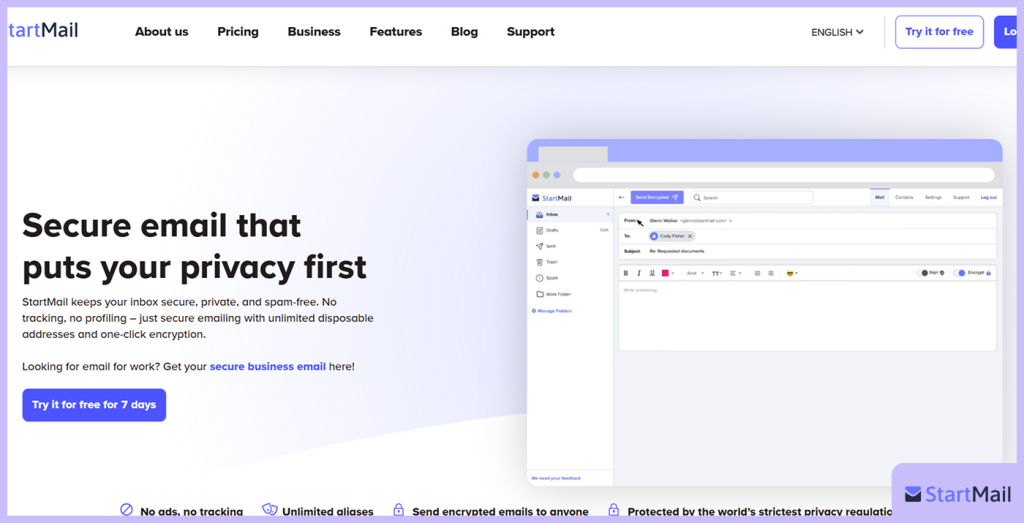
Some of its features include unlimited replaceable aliases, makes use of OpenPGP encryption when going through stored information and support for custom domains to protect the users main inbox. Though it doesn’t have dedicated mobile apps plus a complete zero-knowledge frame, it has solid easy to use security features for a paid subscription.
StartMail is a good choice for folks who are seeking for a protected, ad-free email platform that is a privacy based alternative to Gmail, especially when it has a better alias system. If you don’t like cloud storages and integrated calendars, StartMail is an excellent choice of a privacy tool.
9. BleachBit
Pros
- Open-source and free
- Works on multiple platforms
Cons
- Limited automation features
Finally, we have our hands on a free open-source privacy tool that wipes off digital footprints like temporary files, web browser caches, logs and cookies. A lot of users see it as a powerful alternative to CCleaner. It is designed to remove traces across Linux and Windows operating systems.
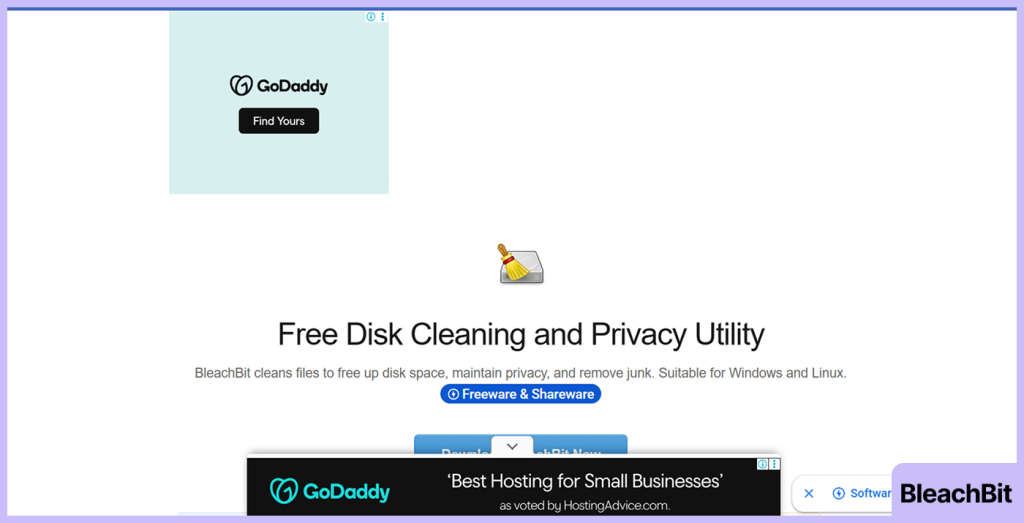
This privacy tool is meant for people who are interested in protecting their piracy above anything else by giving them a clean computer system so long as they get to know which files are removed because once they are deleted, there’s no chance of recovery.
10. Internxt
Pros
- End-to-end encrypted cloud storage
- Cross-platform access
Cons
- Slower sync speeds at times
Internxt is a highly secure, privacy-focused cloud storage service based in the EU. Some of the features include end-to-end encryption to make sure no third party interferes with conversations and a compulsory zero knowledge.
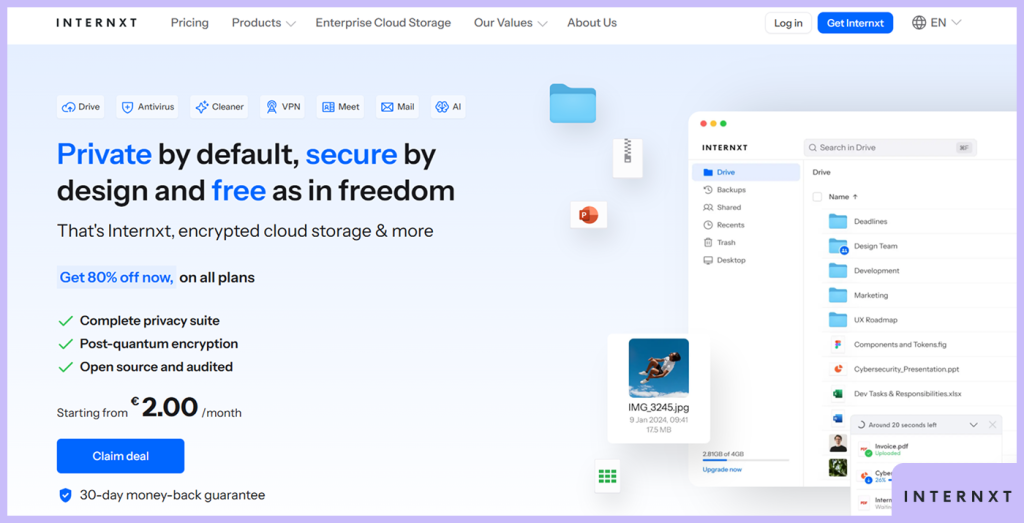
It has two key features we love; Internxt is decentralised, making it difficult for trackers to keep tabs on your information and its open-source meaning it has been publicly verified. And guess what, makes it a strong alternative to Google drive with emphasis on privacy.
Well, we have to warn you it comes with a smaller 1GB capacity for the free tier and doesn’t have advanced collaboration abilities.
How to Pick the Best Privacy Tools Today
We determine a good privacy tool by how well it reduces data collection, gives control to the user, and provides strong encryption such as end-to-end encryption for online chats. Let’s get into it:
- Reliability and compliance: This is mostly for the business world. When choosing a privacy tool, you should look for auditable data practices and check whether it can be managed properly, along with GDPR compliance, consent management, and automated data mapping.
- Encryption and security: Sometimes, a hacker can have access to the communication between two parties and interfere with it. They can change what Mr A said and Mr B receives the wrong information, thinking it truly came from Mr A. To avoid this, a privacy tool must have a good encryption system, preferably, the end-to-end type.
- Active support and maintenance: A regular update of the privacy tool is very important to close up weak points in the device or system. Updates provide patches to vulnerabilities, reducing chances of an information breach either from the inside or outside. It helps to keep a certain standard of security check.
- Information minimization: Most software if not all usually collect information from the user, including some personal information too. It leaves traces for any monitoring party to pick up. Some of these software can be very intrusive when collecting information from us and that’s not cool. A good privacy software collects very little information from the user. The smaller, the better.
- Transparency and open source: The more private a software tends to be, the more intrusive they usually are. Always go for privacy tools from open-source because they are usually transparent. Any flaws in the security policy can be seen. That’s why it’s important to go to the ones that have been audited by a reliable third party platform. The seemingly “private” software has no room for verification of information from other reliable sources. Run from them. Open-source is the way to go.
- Ease of use and user control: A good privacy tool should give users control over their actions. For instance, in settings and configurations, the user should be able to have preferences on these to be able manage their personal information and decide on what they share publicly. For instance, Google has incognito mode in their settings where digital footprints are reduced to the barest minimum. They should be user friendly so the settings and configurations will not look too technical and complicated. The choices should be easy for the user.
- Cross-platforms: When apps, tools or services are available to lots of devices using different operating systems, it makes things very convenient for the user because it’s very likely whatever device they use will support the privacy tool. This is where we can find the best online privacy tools for iphone, android and mobile devices generally.
- Security audits: Every privacy or security tool has policies or codes that guide its operation. It is a “claim” that needs to be verified through an external auditing from a third party. Security audits confirm whether security or privacy “claims” are true and can be trusted.
- Jurisdiction: As far as privacy is concerned, it’s a good thing if your privacy tool is not based on any of the five eyes intelligence alliance which include New Zealand, USA, Australia, UK and Canada. That’s because these countries have agreed to share intelligence among themselves which involves espionage activities. Really not ideal for users who love their privacy. We also include China and Russia in the list because their non-democratic and authoritarian governments are known to invade privacy when they see fit to do so.
- Business model: Most platforms are going for paid subscription because their focus is on profit. We have trust issues with such platforms as they are willing to do things for profit, including selling your personal information to ad agencies. We prefer the free privacy tools or the paid versions whose price is reasonable.
- Test of time: The longer people use a privacy tool, the more reliable it tends to be. It also provides information such as when it was created and whether it has had any privacy-related incidents or past court cases. All this information helps prospective users to “audit” the privacy tool.
How to Remain Private Online in 2026
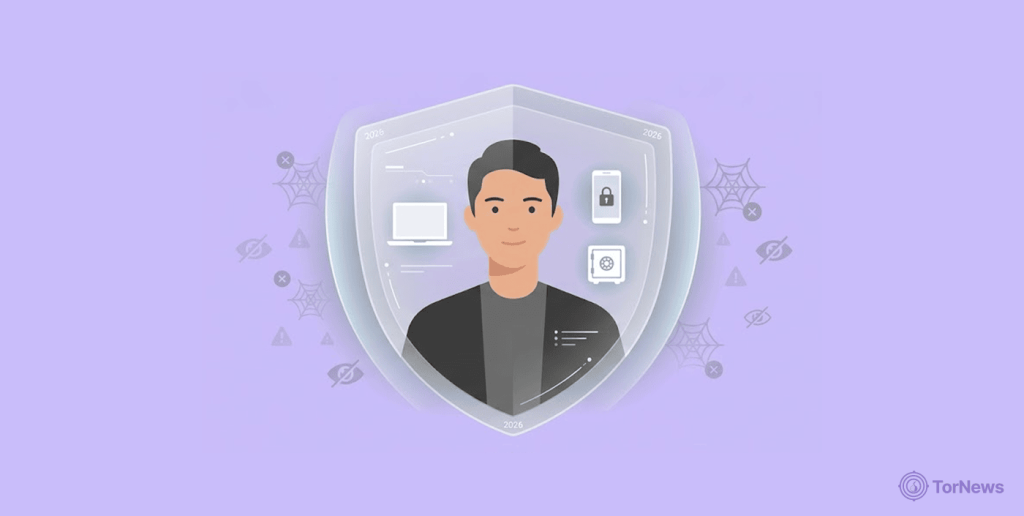
- Don’t post sensitive information on social media platforms like home and address, date of birth and family issues. Even important information from your work place is not advised.
- The use of encrypted software tools which are open source.
- Make sure to use Virtual private networks (VPN) that have AES-256 encryption.
- You need a well-protected email address to avoid phishing attacks.
- When chatting, always use encrypted and private messaging apps.
- Use privacy-focused search engines.
Best Tips to Protect your Security and Online Privacy
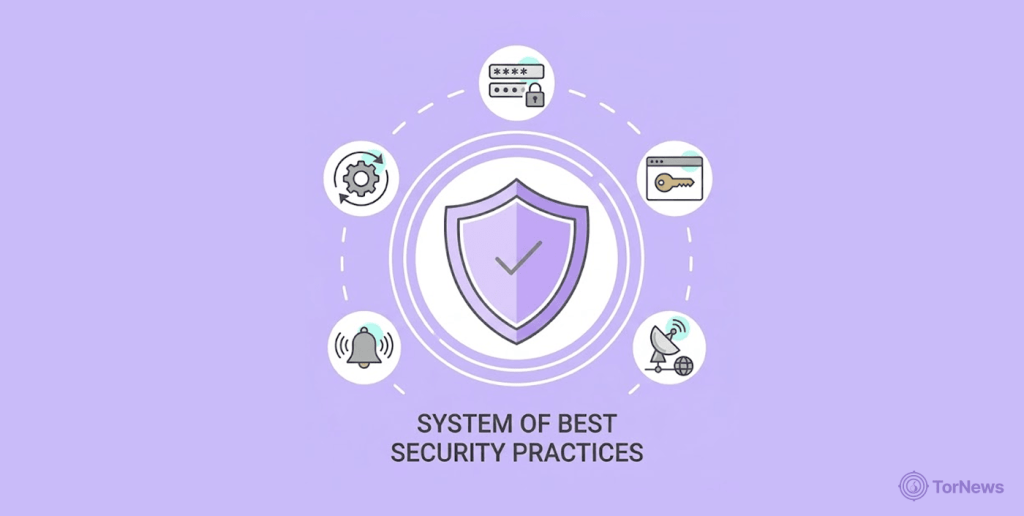
The following actions will help your daily activities on the internet to remain anonymous. It is critical to follow them:
- Make sure you switch off any settings that will allow your data to be tracked. You see those websites that encourage you to switch off your ad blocking settings, don’t do it. Ad companies always push ads to you based on your interests. How did you think they knew your interests? Exactly.
- Your passwords should be strong or better still, use a password manager that keeps changing your password. Even if hackers guess your password, you quickly change it, making their version useless.
- Make sure you use two-factor authentication. Let’s say you used a weak password and a hacker was able to guess it right and enter it, the two-factor authentication makes them face a dead end.
- Operating system and software updates help to fight new threats the older version could have missed.
- Confirm the settings you are using on your social media. At times, the default private settings make room for tracking. It’s important to check.
- Be extremely careful of the sort of information you share on social media because such platforms are a “hive” of monitoring parties. Avoid posting pictures that show very private information. Don’t post information like your BVN, NIN, social security number, passport number or where you plan to be.
- Get a good VPN. It helps to cloak your IP address and assign you a fake one which is visible to all monitoring parties, including your internet service provider. They also help to bypass geo-blocking too.
- Whenever an app or platform suggests you save your password for easy log in, don’t fall for it. Better security means only you enter your login details.
- You should only use HTTPS websites for financial activities.
- Some cyber attacks come through emails and text messages, carrying attachments or links with malicious programs buried inside. Don’t open them.
- Make sure you have an active antivirus on your device when you are downloading to identify dangerous programs before they mess up your system. Remove applications you no longer use.
- For browsing, you should use privacy-focused browsers like DuckDuckGo. Or you could switch to “incognito mode” while using Google.
- You should cover your laptop or PC camera. For a smartphone, you can also install free apps like “camera blocker” for the same purpose.
- Using strong passwords will help to protect your system.
- Communicate more often with end-to-end encryption like Telegram, Signal and Whatsapp.
Open-Source Privacy Software for Your Security
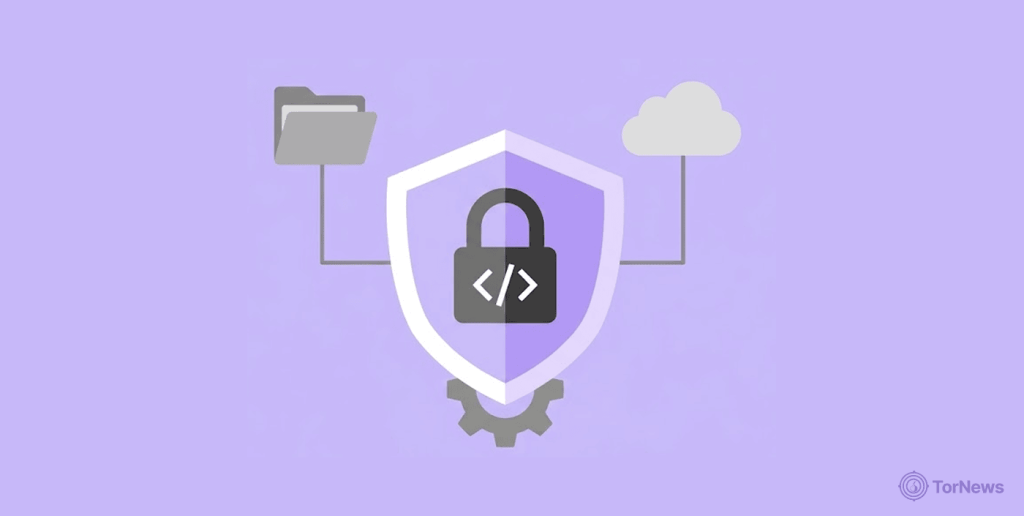
Open-source software refers to tools whose code is publicly available, allowing any business or platform to use and modify it to meet their needs. These codes are usually created by experts and are generally very reliable.
A lot of professionals create security policies from these open sources. These experts at times review some codes, find flaws and correct them. They are open to be verified by other qualified entities. This is what makes open-source codes very reliable.
Flexibility of these codes is what makes them very attractive to both users and programmers. There are almost no rigid rules, and there are no limitations on what can be done.
Unlike some vendors that impose strict restrictions and deny users certain functions, open-source software offers a world of possibilities, as users can see from the wide range of options available.
Have you been busy making interactions and business transactions without any form of security? It’s very possible someone somewhere has been collecting your personal and sensitive information and selling it to ad agencies.
Very likely, you have been bombarded with ads every now and then because of this. Get one as quickly as you can before it’s late.
The Differences Between Security, Privacy and Anonymity
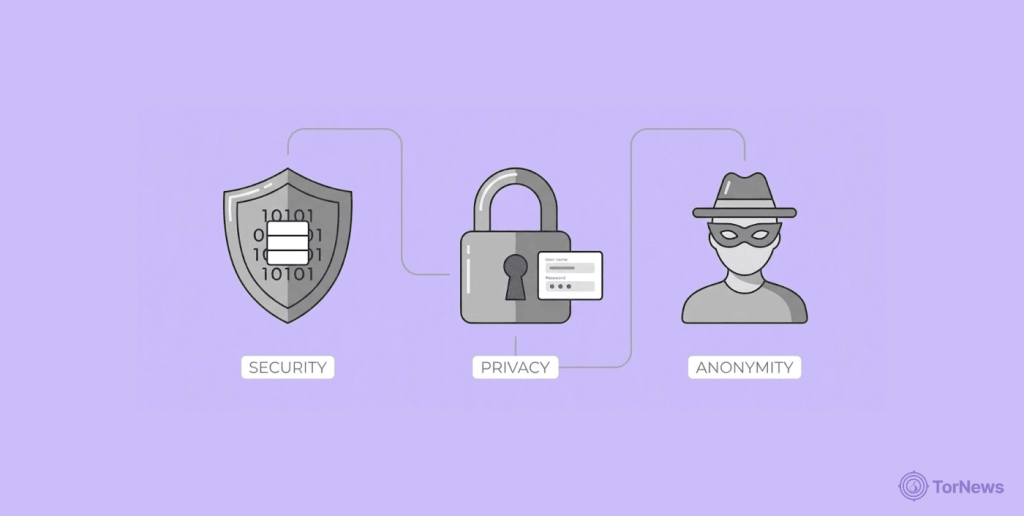
Privacy means that a user’s information is not easily accessible to others, except for those they choose to share it with. In the digital world, many parties are interested in what you do online, and not all of them have good intentions. They range from ad agencies and the government.
Anonymity is different. Others can see what you do online, but they cannot identify you. Your internet service provider may see the actions you take on a particular platform but they won’t be able to link you to them. Your privacy remains protected because no one can use those activities against you. VPNs are classic examples of privacy tools that hide your identity.
They do so by hiding your IP address, your identity and giving you another fake one from one of their servers. It also gives a false location to whoever is monitoring your information.
Encryption involves the translation of information from one form to another, most times in ways that won’t make sense to anyone who sees it. Appears to be gibberish most often. The only way such information can make sense again is if the person has the decryption key to unlock the information.
Some privacy tools encrypt information before sharing it online. The receiver of this information has the key to make sense of the information. We know this as end-to-end encryption.
Conclusion
Privacy tools are so important today in the digital world that surfing the internet without one is similar to walking on slippery floors and hoping not to fall.
You should keep your information away from prying eyes, including the government, ad companies, hackers with bad intentions, and even your internet service provider, which sometimes sells your data to interested parties.
It’s a jungle out there on the internet. Many “swords” will target you, but the listed privacy tools will give you a proper “shield” to defend yourself. Be safe with the best privacy apps.
And when it comes to one of the most vulnerable points of your digital life, your email don’t settle for less. Explore the best secure email services to ensure your communications remain private and protected from prying eyes.
FAQs
You can put an end to this with Ashampoo WebCam Guard. It helps to block apps from using your webcam except when you allow them to. This will improve your privacy.
The main focus is to remove data brokers and to raise alarm when there is a breach. Then, it gives a little tutorial on how to protect accounts.
Yes. It does this by lowering fingerprinting and tracking. In this way, platforms that collect information and ad companies won’t be able to touch your personal information.
There are many online privacy tools that have free trials but for a particular time frame. That’s because most of them require paid subscriptions.