-
A new Mac malware steals crypto wallets, saved passwords, and Apple Keychain data.
-
Victims get tricked into pasting a fake command into Terminal, no download needed.
-
The malware can quietly redirect part of a crypto transaction instead of draining the whole wallet.
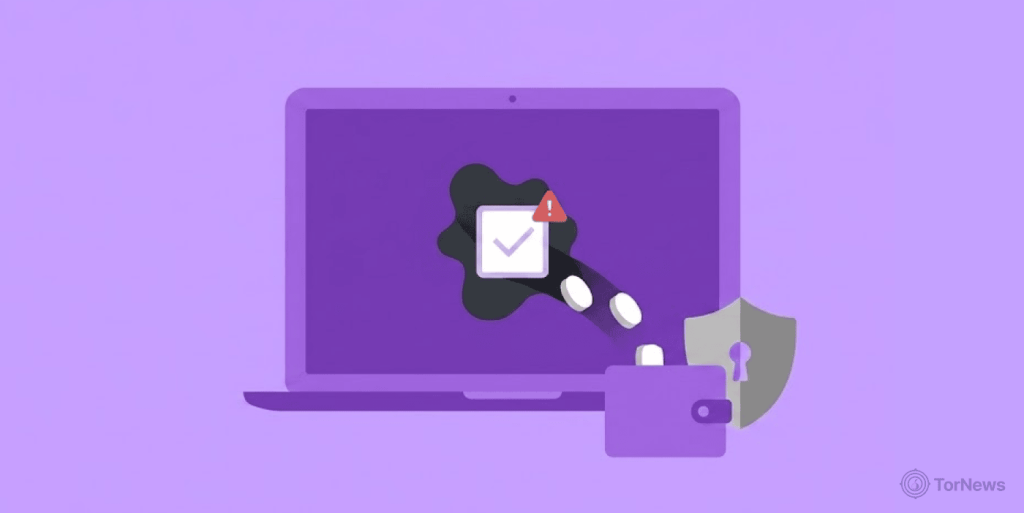
A new type of malware is hitting Mac users hard. It steals crypto wallets, saved browser passwords, and Apple Keychain data. The malware also grabs login details stored in browser cookies.
This harmful program can hijack crypto transactions before they go through. It can empty a wallet completely. But it can also just take a small cut of a transaction, based on Huntress’ research. This makes the theft harder to notice right away.
Huntress, a cybersecurity firm, found this threat while looking into a ClickFix scam. ClickFix scams trick people into running harmful commands on their own computers.
How the Scam Works
The victim got an email with a link. That link led to a page telling them to open Terminal and run a command. A legitimate CAPTCHA or system alert never asks anyone to do that, according to AppleInsider.
Once the victim ran the command, a script quietly got to work. It checked the Mac’s hardware, like its CPU and memory. Then it pulled down a matching malware file built for that exact machine.
The script also found the logged-in user’s account name. It made a new folder and named it after trustd, a real Apple process that checks security certificates. Hiding inside a trusted-sounding folder helps the malware avoid suspicion.
The malicious file got renamed to look like an Apple system file. The script then removed a security tag that normally triggers a warning. This lets the malware run without Gatekeeper, Apple’s built-in protection tool, flagging it.
What the Malware Actually Steals
Once active, the malware searches the Mac for saved credentials. It scans files by both name and file type to find useful data fast. According to Huntress, the malware grabs saved passwords from browsers, data stored in Apple’s Keychain, and login cookies saved by browsers too.
The most unusual part is how it handles crypto. The malware can change a transaction before the user signs it. Attackers can set it to steal everything or take just a small slice of the transaction, based on Huntress’ research. Huntress said this is the first time they’ve seen a crypto-draining tool built to hold back instead of stealing all the funds.
Researchers also found code built to calculate one percent of a wallet’s value. This works across several crypto types, including Bitcoin, Ethereum, Litecoin, Dogecoin, Monero, and XRP.
Who is Behind It, and How to Stay Safe
The malware sends stolen data to servers tied to a Russian hosting company called Aeza Group. Huntress noted the servers sit in a network segment linked to Aeza Group’s infrastructure.
Huntress researchers also recently uncovered an Akira ransomware affiliate who used Easyupload.io, a file-sharing service rebranded from the once-popular LimeWire, to exfiltrate data, demonstrating the diverse tactics cybercriminals employ across different campaigns.
The United States sanctioned Aeza Group in 2025 for helping ransomware gangs and other cybercriminals operate, according to AppleInsider. The United Kingdom later added its own sanctions against the group too.
To stay safe, never run a command from a website in Terminal or any other system tool. A real CAPTCHA does not need that step. If a site asks for it, close the page right away.
Anyone who has already run such a command should disconnect their Mac from the internet immediately. Contact an IT professional to check the device for infection. Also, change passwords for banking, email, and crypto accounts from a separate, safe device.
Turn on two-factor authentication wherever it’s offered. This adds another layer of protection, even if a password gets stolen. Keep a close eye on crypto wallets and bank accounts for any unusual activity too.
Scams like this rely on one careless click. Staying alert to strange instructions is still the best defense against them.
