-
Albiriox is a powerful new Android banking Trojan sold as a monthly subscription service on Russian-speaking dark web markets.
-
The malware grants attackers live remote control of infected devices, enabling them to perform on-device fraud during active banking sessions.
-
It already targets over 400 global banking and cryptocurrency applications and uses sophisticated evasion techniques to avoid detection.
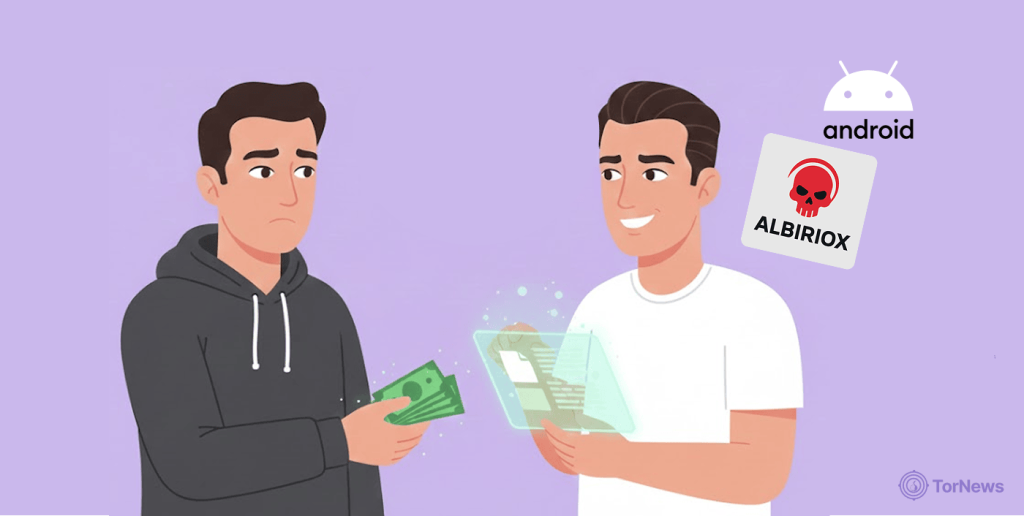
A dangerous new Android malware is being rented out on cybercrime forums. It lets attackers remotely control your phone to drain bank and crypto accounts in real time. Albiriox is promoted as a Malware-as-a-Service (MaaS). This means even low-skilled criminals can launch fraud campaigns using it, exploiting the same kind of criminal service infrastructure that international law enforcement alliances are actively working to dismantle.
Albiriox Malware and How It Infects and Operates
Security researchers just discovered a nasty new Android threat called Albiriox. It’s not just another virus—hackers are actually renting it out to other criminals as Malware-as-a-Service. It first appeared in a private beta last September. By October, it was available for public rental.
Forum posts show its operators actively market the malware’s capabilities. Subscription access started at $650 per month. The price later increased to $720. This business model makes advanced fraud accessible to many bad actors. Early campaigns show a careful, targeted approach. One operation focused on users in Austria. Attackers sent SMS texts with phishing links. These led to a fake Google Play Store page.
Victims downloaded a malicious app pretending to be “Penny Market.” This app acted as a dropper. It then installed the final Albiriox payload. Another scheme collected Austrian phone numbers. It then sent download links via WhatsApp.
The dropper uses code obfuscation to hide its intent. It tricks users into enabling “Install Unknown Apps” permissions. Once installed, Albiriox connects to a command server. It registers the infected device using unique hardware identifiers.
Advanced Capabilities for Stealthy Theft
Albiriox is built for On-Device Fraud (ODF). This is a dangerous shift in mobile threats. Criminals no longer just steal login details. They now perform transactions directly on the victim’s own phone.
The malware’s feature set is extensive and alarming. It offers real-time screen streaming to attackers. They can control your device completely. It’s like someone is physically using your phone, doing everything from tapping to typing.
Albiriox abuses Android’s Accessibility Services to automate actions. It can also display fake system update screens or a black screen. This masks the criminal’s activity in the background. Victims see nothing suspicious while their accounts are emptied.
The malware already monitors over 400 financial apps worldwide, including banks, payment apps, and even crypto wallets. While a victim is signed in to an online account, the fraud can occur without raising any red flags that would alert the financial institution’s fraud protection.
A Rising Threat and How to Stay Safe
People on cybercrime forums asked if Albiriox can stay hidden. The developers promoted its custom builder. This tool integrates a crypting service called Golden Crypt. The service helps evade static antivirus scanning.
Researchers believe Albiriox will mature quickly. Its MaaS model, two-stage delivery, and broad targeting make it a significant risk. Financial institutions worldwide are urged to adopt advanced detection methods.
As smartphones become increasingly popular and our dependence on mobile devices for a variety of activities increases, mobile malware threats have also become a serious issue. Recent research shows a 13% rise in unique samples of mobile malware in the past year.
Just last month, a new malware called BankBot YNRK was discovered in fake Android apps that look legit when installed. Security researchers at Cyfirma warn that attackers are slipping malware onto people’s phones by hiding it in apps that look like official digital ID tools. Once a fake app is installed, the malware starts collecting info from your phone, like the device model, brand, and other apps.
To stay under the radar, the malware can actually change its icon and name to look like Google News. It can even pull up the real news.google.com site to trick you into thinking it’s safe while it quietly does its thing in the background.
Since this kind of stuff is happening a lot, let’s all be extra careful and grab our apps from trusted places like Google Play. Scrutinize app permissions, especially requests for Accessibility rights. Make sure your device and apps are up to date. Also, get a good security app for protection all the time.
