Every click, search, and online move can now be tracked, so you don’t want your web browser leaking your private information.
The year 2026 will bring a renewed focus on digital privacy, and the browser you choose might make all the difference between remaining secure and becoming just another statistic.
Whether you’re tired of intrusive ads, hidden trackers, or companies selling your data, this guide will walk you through the best privacy-focused web browsers that keep your information safe, secure, and truly yours.
Quick List of Top-notch Private Browsers
- Tor Browser: An anonymous browser that routes your traffic through the Tor network to deliver maximum anonymity and resistance to tracking.
- DuckDuckGo: Privacy-first browser that blocks trackers by default and never stores your search history.
- Brave Browser: Secure browser that automatically blocks ads, trackers, and invasive scripts while protecting your data.
- Epic Privacy Browser: Designed for privacy purists, Epic deletes all browsing data on exit and aggressively blocks trackers.
- Safari Browser: Apple’s default browser that emphasizes privacy with intelligent tracking prevention and energy efficiency.
- Norton Private Browser: Combines built-in privacy tools with security protections to help users browse safely and privately.
- Mozilla Firefox: An open-source browser offering strong privacy controls, tracker protection, and extensive customization.
- Mullvad Browser: A hardened, privacy-focused browser built to minimize fingerprinting and online surveillance.
- LibreWolf: A privacy-enhanced Firefox fork that removes telemetry and enforces strict security settings by default.
- Vivaldi Browser: A highly customizable browser that includes built-in privacy tools without compromising performance.
Why is a Privacy Browser Important?
Whether you’re accessing the internet for personal use or running a business, you generate valuable data that is of interest to various third parties. For example, advertising companies collect, buy, or request cookie data from your browser to target ads based on your behavior or interests.
Moreover, your internet service provider (ISP) can monitor your network connections and share your data and location with advertisers and technology firms. In some cases, they can even track internet traffic on your devices.
Additionally, governments may conduct surveillance of online activities. This can be for legitimate purposes like preventing terrorism, cybercrimes, hate speech, or protecting data, or it can be used to censor your online activities, track your location, and invade your privacy.
Besides, many websites frequently collect browsing history and personal data, making it easier for scammers to access your information.
Top 10 Browsers for Privacy – Detailed List
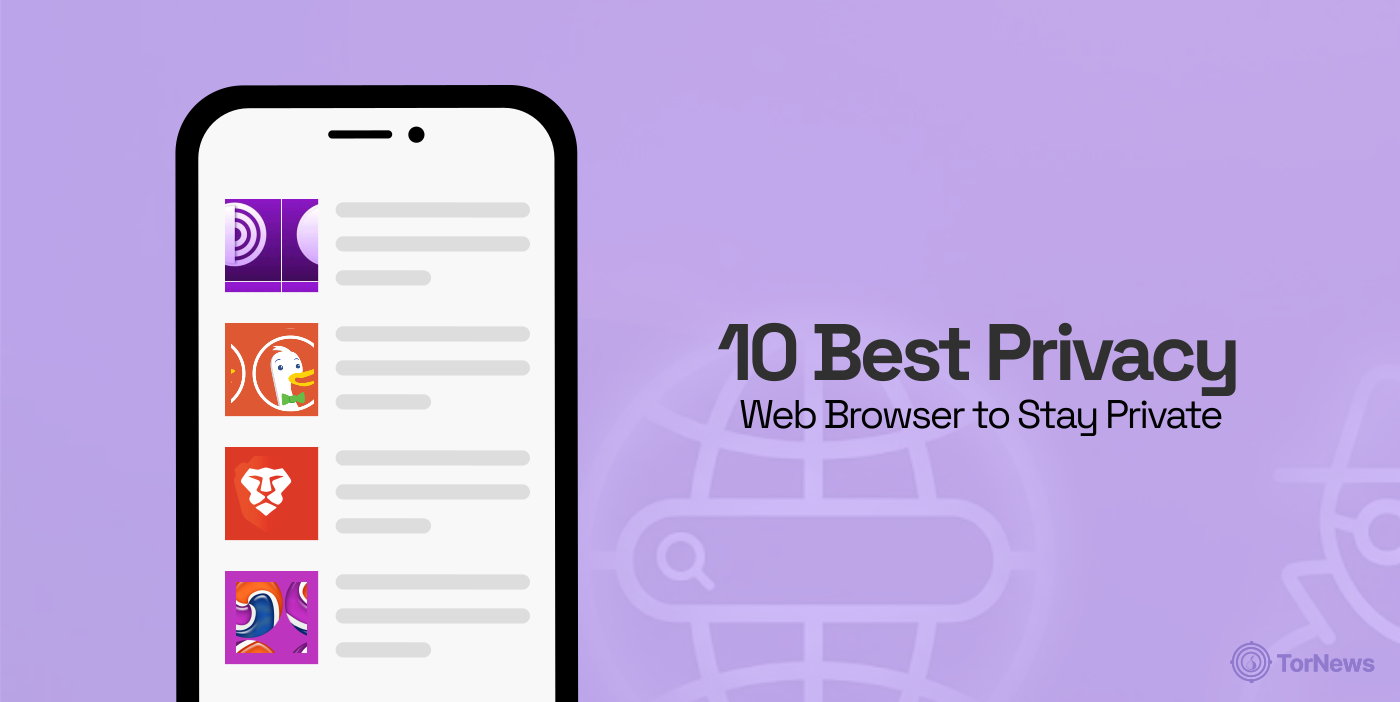
Let us get into the details. Here is a closer look at the top privacy-focused browsers, what they do well, and where they might leave you wanting more.
1. Tor Browser

Pros
- Strong anonymity and IP consealing
- Free and open source
Cons
- Website access issues is some regions
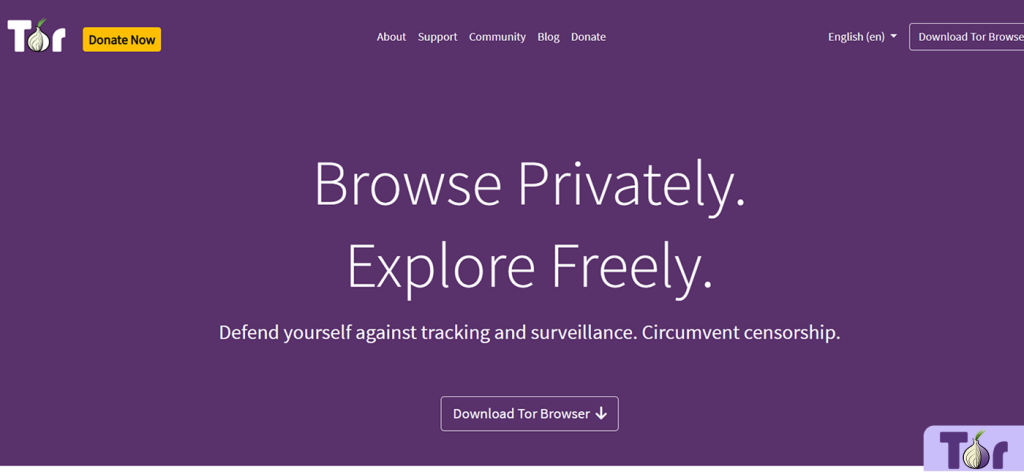
The Onion Router Tor browser is one of the most popular privacy browsers. It has multi-layered encryption for optimized privacy and anonymity.
This secure browser makes you anonymous by routing your traffic through multiple encrypted servers, making it almost impossible to track your online activities. Tor also clears your browsing history and cookies, blocks risky scripts and plugins, and supports anonymous access to .onion sites on the dark web.
The browser has a minimal data collection policy, collecting limited usage data to assess performance. Moreover, DuckDuckGo is its default search engine, so it won’t log or store your search queries. Plus, you can use the Reset Identity button to instantly clear all tabs, windows, and session data.
Despite offering these amazing features, the interface was pretty intuitive during testing. Unfortunately, the onion routing technology makes it slower than most browsers. If you are trying to decide between absolute anonymity and speed, understanding the difference between Tor and VPN is crucial before you start browsing.
2. DuckDuckGo
Pros
- Blocks trackers and enforces encryptions
- Automatic cookie consent
Cons
- Lacks advanced customization options
DuckDuckGo, a popular privacy-focused internet search engine, also offers a privacy browser with a standalone mobile and desktop web browser. It blocks trackers and encrypts connections to protect your data from covert surveillance.
The browser is extremely user-friendly. For example, it has a flame button at the top that enables you to close tabs and clear browsing data instantly. Also, the search bar is centered and aligns with the back and forward buttons for a simple layout.
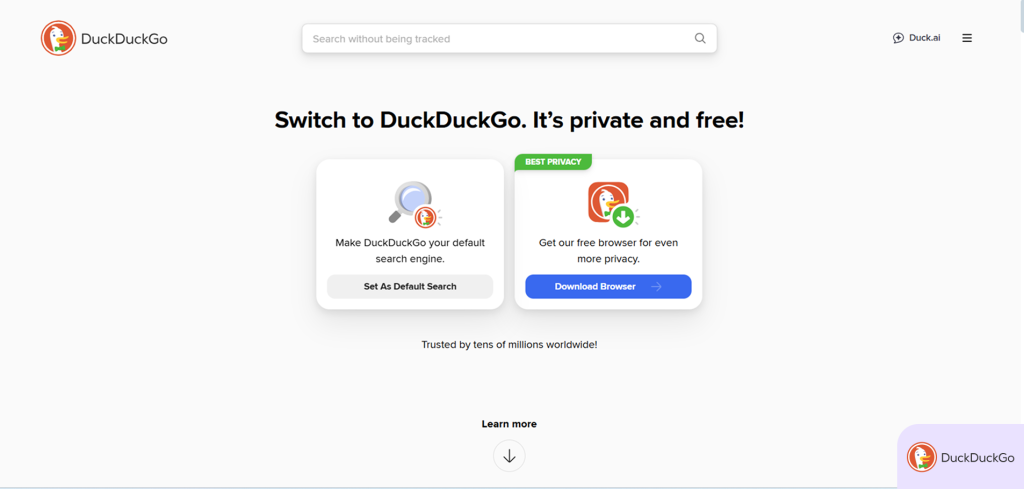
DuckDuckGo browser’s Privacy Grade rankings enabled us to flag unsecured websites and sites with excessive trackers during testing. This feature exposes hidden trackers, enhances security, and shows how well websites protect your data.
DuckDuckGo offers automatic cookie consent for managing pop-up ads. There is also the Duck Player feature that blocks YouTube ads, which worked well during our testing.
3. Brave Browser
Pros
- Integrates HTTPS everywhere
- Provides fingerprinting protection
Cons
- VPN and firewall are premium features
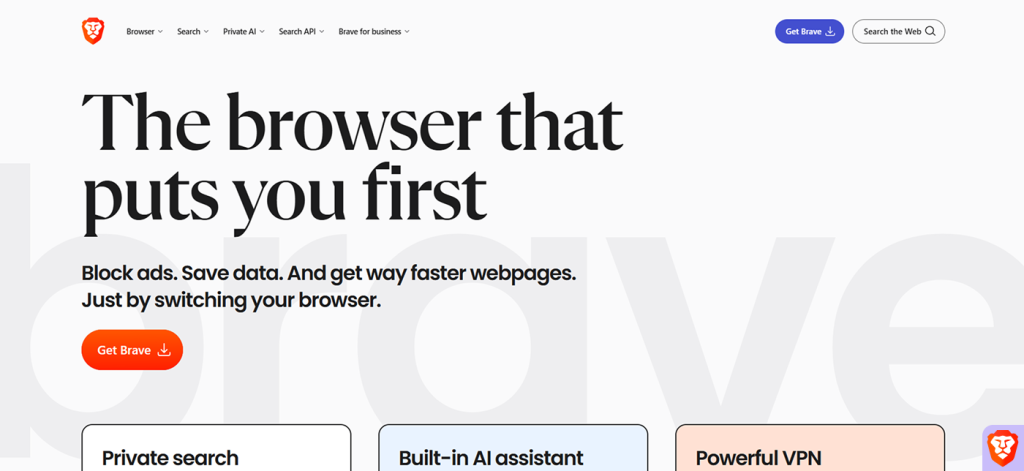
Brave is a lightweight and blazing-fast privacy browser known for aggressively blocking ads (including YouTube ads) and trackers.
The built-in Shield feature also blocks malicious web scripts and enforces HTTPS to protect your data on unsecured networks. Moreover, Brave sandboxes websites to prevent malicious code from affecting other tabs.
Thankfully, it provides fingerprinting protection to prevent websites from identifying or monitoring you based on your device’s characteristics.
Brave also includes a VPN alongside a firewall (paid subscription) that encrypts traffic across the entire device, not only browser traffic. Additionally, it supports secure, WebAuthn passwordless logins using built-in biometrics or hardware security keys.
The browser has its version of incognito mode, known as the Off the Record feature. It deletes all cookies, cache, history, and permissions once you close the session, leaving no trace.
4. Epic Privacy Browser
Pros
- Blocks ads and trackers by default
- Customizable shields system
Cons
- Lacks special convenience features
Epic is a reliable privacy browser that automatically deletes browsing data, including cookies, cache, and history, after every session. It also blocks fingerprinting scripts and restricts WebRTC. This ensures that there is nothing left for trackers, advertisers, and snoopers to collect.
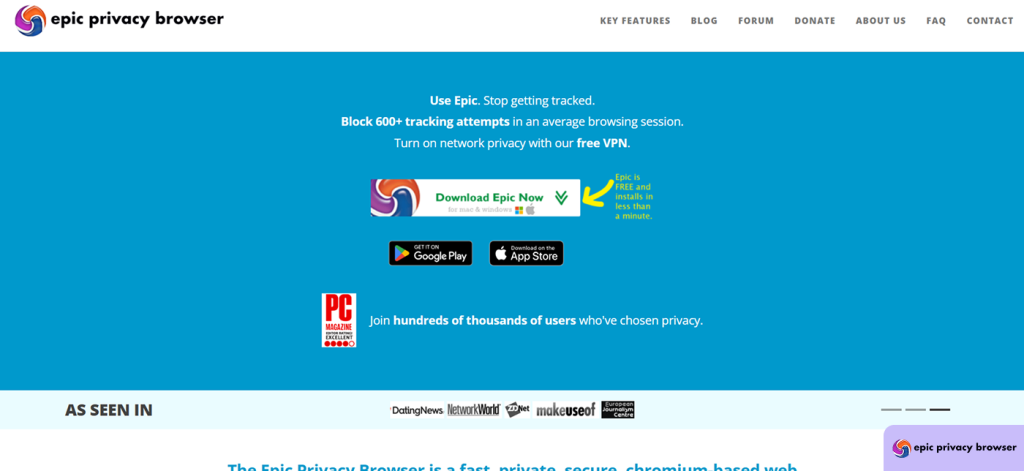
Tapping the umbrella button activates the built-in version of uBlock, which enhances tracking protection, according to EFF’s Cover Your Tracks tool.
Unfortunately, some websites may not work properly unless you disable certain protections temporarily. Also, it has limited customization options compared to competitors like Vivaldi or Firefox. However, it’s a solid choice if you want a simple browser that prioritizes privacy.
5. Safari Browser
Pros
- Dependable privacy features
- Excellent battery optimization
Cons
- Limited extension support
Safari is Apple’s default browser for iOS and macOS, designed with privacy as a core focus. While it has limited customization, Safari’s intelligent tracking protections, sandboxing, and secure sync make it a strong privacy choice.
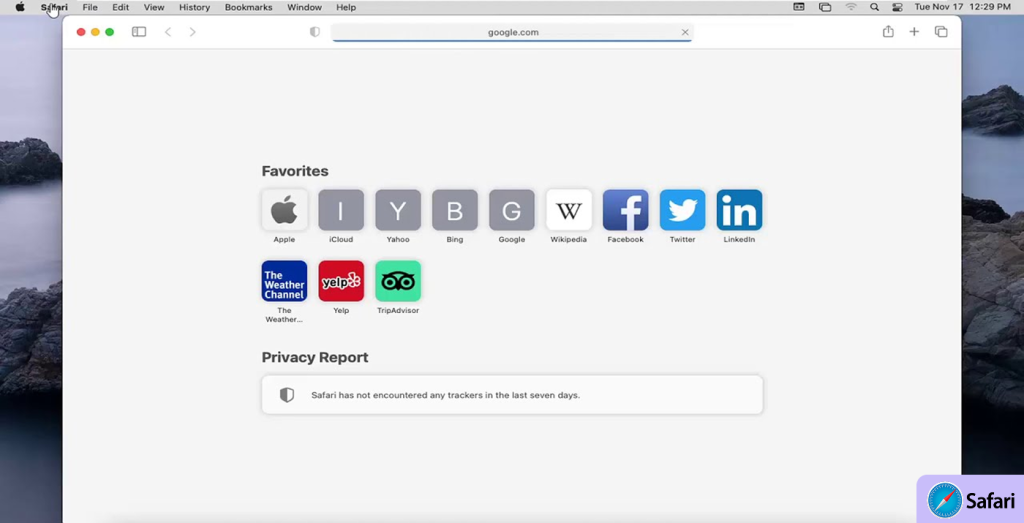
During our testing, it had excellent performance on iOS and macOS, with fast load times and strong battery efficiency. Moreover, it is tightly integrated with Apple software and hardware, delivering security updates promptly.
However, Safari is only supported by Apple devices and offers fewer extensions compared to Firefox or Chrome.
6. Norton Private Browser
Pros
- AI-powered scam detection
- Centralized security dashboard
Cons
- Not as lightweight and independent as competitors
Norton Private Browser is an ideal option if you value your privacy and flexibility. It is available for Windows, Android, Mac, and iOS, and you can get it as part of the Norton 360 security suite or as a standalone app.
Thankfully, most of its web protection features are built in, eliminating the need for separate extensions. Instead, it offers a unified Security & Privacy Center dashboard to centralize control of all privacy settings and security tools.
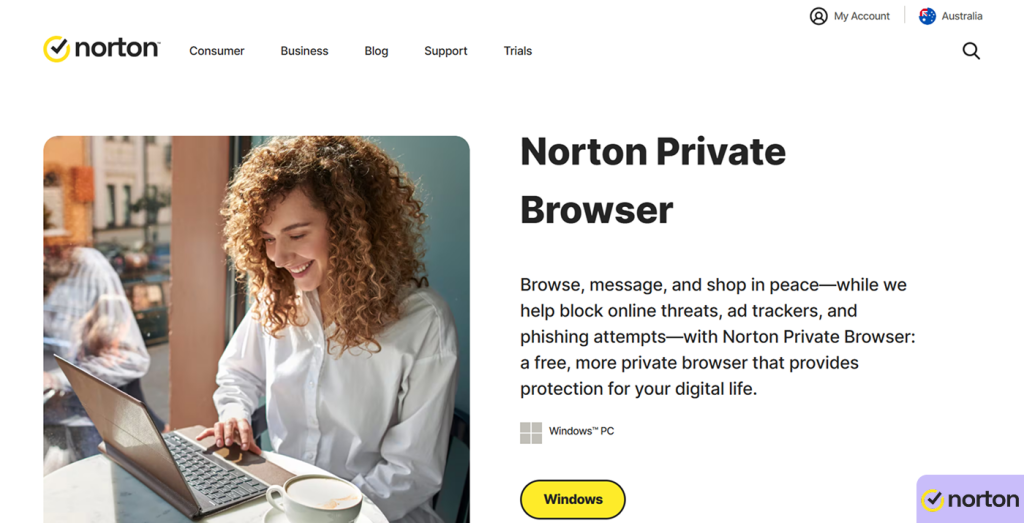
During testing, we were impressed by the AI-powered Scam Assistant that analyzes suspicious websites, emails, and audio/video content to detect scams and deepfakes.
Unfortunately, the browser relies on the wider Norton ecosystem, making it less lightweight or independent than privacy-centric browsers like Brave.
7. Mozilla Firefox

Pros
- Extensive customization options
- Protects your browsing history
Cons
- Occasional site compatibility issues
When properly configured, Mozilla Firefox is among the top privacy-friendly browsers. While it doesn’t block ads by default, it has many extensions that you can use to do that. These extensions allow you to do much more, including adding and rearranging toolbar buttons, applying custom themes, creating custom keyboard shortcuts, etc.
Thankfully, Firefox displays clear permission prompts when you install extensions. This lets you review the data and permissions they’ve requested before approving them, reducing the risk of intrusive or malicious add-ons.
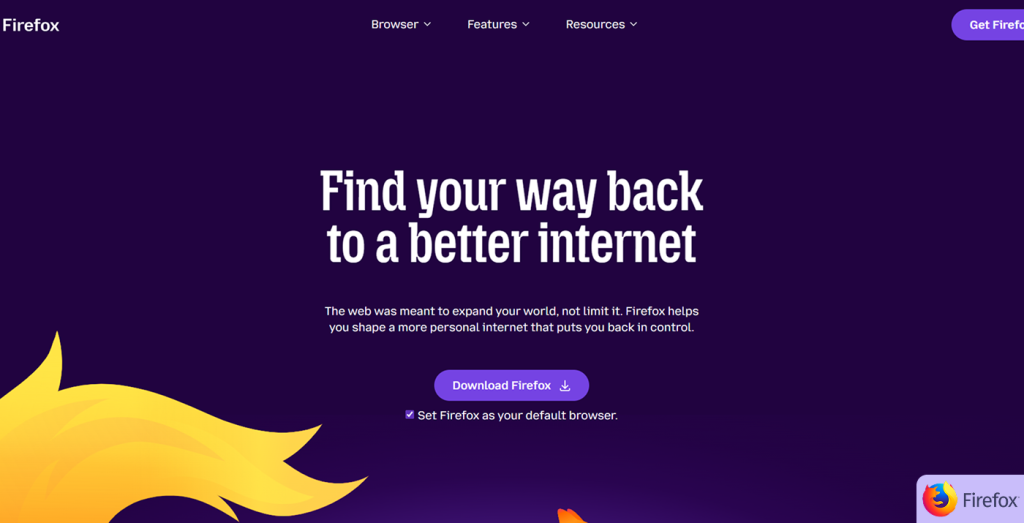
You’ll be impressed with Firefox’s anti-phishing protection. We tested it against phishing site samples, and it flagged them more effectively than most of its competitors.
With many traditional browsers, your request data is visible to third parties, making it easy for them to track your browsing history. However, Firefox encrypts your search queries with NextDNS and CloudFlare’s encrypted servers to prevent third parties from stealing your browsing history.
8. Mullvad Browser
Pros
- Privacy-focused search engines
- Protects against AI-powered threats
Cons
- Occasional site display issues
The Mullvad browser is a joint project between Mullvad (the infamous private VPN provider) and the Tor Project. It’s a great choice if you want the Tor’s but faster (better) connection speeds.
While the browser is based on Firefox ESR, it standardizes users’ online activity to minimize the risk of browser fingerprinting. Pairing it with a VPN, particularly Mullvad’s, enhances privacy by hiding both your unique browsing identity and location.
Thankfully, it also offers Defense against AI-guided Traffic Analysis (DAITA) to protect against AI-powered privacy threats. Additionally, the browser includes the uBlock Origin feature to prevent ads and trackers.
During our tests, Mullvad Browser effectively blocked all trackers and fingerprinting attempts without affecting performance.
9. LibreWolf
Pros
- Built-in uBlock origin
- Minimal bloat features
Cons
- Unavailable on mobile
LibreWolf is a custom version of Firefox that removes all telemetry, unnecessary integrations, and sponsored content. It is just a simplified browser that focuses on security and is suited for private daily use.
Although LibreWolf is based on Firefox, it’s built to minimize external connections and eliminate features that can weaken privacy. Also, the browser doesn’t communicate with Mozilla servers nor integrate with third-party content services.
It includes uBlock Origin by default, enabling immediate blocking of ads, trackers, and malicious scripts. For example, during our tests, it blocked many YouTube ads.
Unfortunately, LibreWolf lacks automatic updates, so you must update it manually to remain secure. Also, it doesn’t offer official mobile support, so you might need a different secure browser for your smartphone.
10. Vivaldi Browser
Pros
- Split-screen browsing support
- Advanced customization features
Cons
- Can overwhelm new users
Vivaldi is a well-established privacy browser dating back to 2015. While it had a slow start, gradual improvements have made it appealing for privacy and customization options.
Unlike conventional browsers like Chrome, Vivaldi doesn’t track your activity, profile your behavior, or sell your data. Instead, it allows you to adjust privacy levels to your preference.
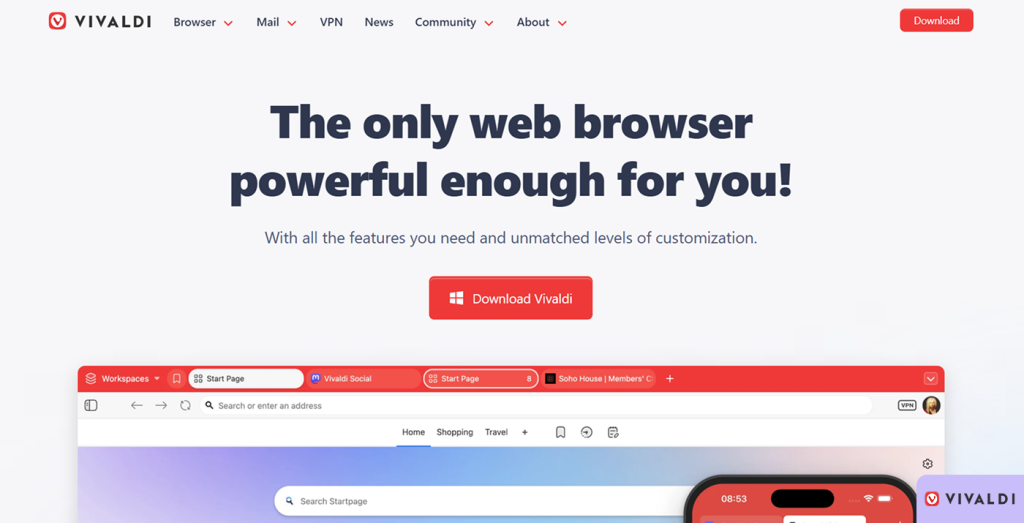
The browser includes advanced customization features that its competitors lack, such as split-screen browsing, tab stacking, and complete interface control. This makes it a great option if you want extensive workflow personalization.
Unfortunately, the extensive features overwhelm beginners, and its reliance on Chromium means it might share a codebase with Chrome. Nonetheless, its built-in protections and privacy policies are much better than Google’s browser.
Most Secure Browsers: Comparison Table
| Browser | Privacy by default | Tracker blocking | Fingerprinting protection | Speed | Customization | Best for |
|---|---|---|---|---|---|---|
| Tor Browsers | Maximum | Strong | Maximum | Slow | Very low | Strong anonymity |
| DuckDuckGo Browser | High | Strong | Limited | Fast | Low | Simple private browsing |
| Brave Browser | High | Strong (Shields) | Partial | Fast | Medium | Daily browsing with built-in privacy |
| Epic Privacy Browser | Very high | Strong | Partial | Moderate | Very low | Out-of-the-box maximum privacy |
| Apple Safari Browser | High (Apple ecosystem) | Strong | Partial | Very fast (Apple devices) | Low | Privacy on iOS and macOS |
| Norton Private Browser | Medium | Medium | Limited | Fast | Low | Users in the Norton ecosystem |
| Mozilla Firefox | Medium (can be hardened) | Medium | Partial | Fast | High | Balanced privacy and flexibility |
| Mullvad Browser | Very high | Strong | Very strong | Fast – Moderate | Low | Anti-fingerprinting with VPN use |
| LibreWolf | Very high | Strong (uBlock) | Strong | Fast | Medium | Privacy-focused daily use |
| Vivaldi Browser | Medium | Medium | Limited | Fast | Very high | Privacy + workflow control |
What Makes a Browser Secure?
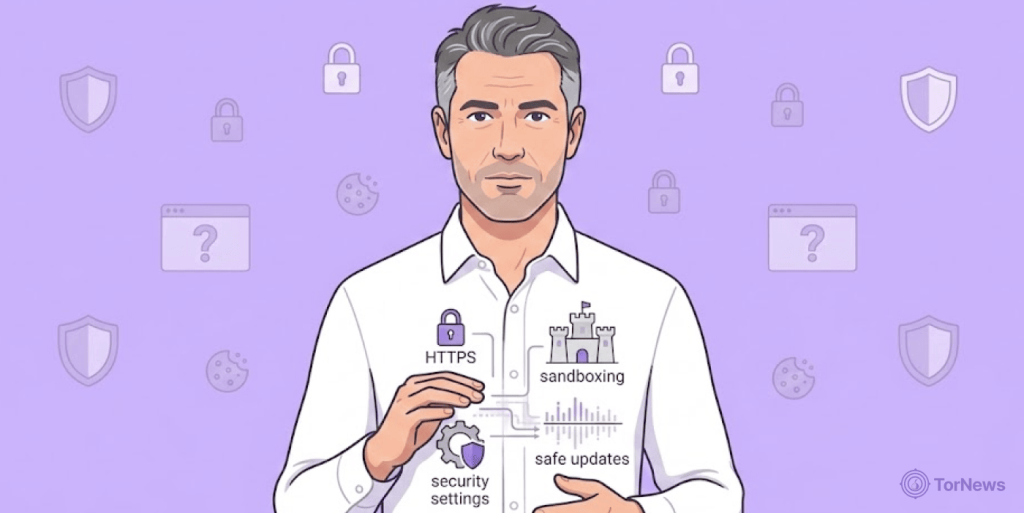
A privacy browser protects your data from third parties, enabling you to access the internet with confidence. These capabilities are often embedded into the browser, preventing intrusions and attacks before they happen.
Also, a secure browser gives you control over what it can store or delete, including cookies that contain private or trackable information. You can also manage your browsing history and limit exposure of your IP address and location.
While many conventional browsers claim to offer privacy and security features, they cannot truly keep your data private and untraceable.
Here are some of the things you should consider when choosing the best privacy browser:
- Allows you to manage and restrict tracking of your online activity.
- Encrypts and allows you to manage and delete your usernames and passwords.
- Have tools to block trackers and third parties from accessing your data, including options to manage how websites access cookies and cached data.
- Can prevent digital fingerprinting by denying websites access to your location, screen size, operating system, and other device signals.
Browsers designed for high-stakes anonymity, like those featured in our best dark web browsers roundup, take this protection even further to ensure you can’t be identified.
Is Private Browsing Secure?
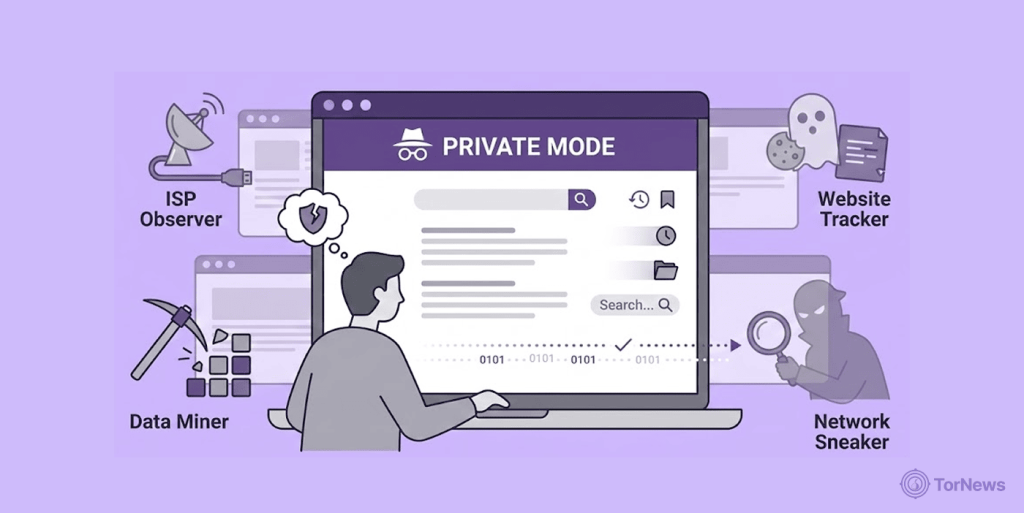
Private browsing mode (incognito mode) stops the browser from saving your history, cookies, and site data, separating your browsing sessions from others using the same device.
However, keep in mind that the incognito mode doesn’t make you anonymous online. Third parties, such as your internet service provider (ISP), network administrators, and websites you’ve visited, can still track your activities.
Moreover, it doesn’t protect you from tracking technologies that don’t save data in your browser. Although private browsing mode provides some privacy, it doesn’t block online tracking or ensure complete anonymity.
Best VPN Browser Extension for Private Browsing: NordVPN
A VPN browser extension can help to improve your browser’s security. It provides sufficient privacy and strong protection against cyber threats by masking your IP address and encrypting your online activities.
NordVPN is the best VPN extension you can get. It offers strong encryption and privacy features to protect you from IP leaks and online threats.
This extension offers many security features, including AES encryption, Threat Protection Lite (blocks ads, trackers, and access to malicious and phishing domains), WebRTC leak protection, DNS leak protection, HTTPS protection, and split tunneling.
Nonetheless, it is lightweight to allow fast browsing with minimal system impact. However, you won’t get full device coverage.
How to Stay Safe Against Online Threats
No browser can protect you from every cyber threat. However, you can keep your personal information safe with a few extra tools and habits.
Here is how to enhance your online security and privacy:
- Reduce the amount of sensitive information you share. Always provide as little personal data as possible. For example, if a site asks for a phone number, consider whether a fake one would work.
- Apply common sense when browsing. If something feels too good to be true, it probably is. For instance, free offerings for premium products or services often come with malware or hacker risks. Also, verify URLs carefully and watch out for AI-generated scam sites.
- Use strong passwords and password managers. Create strong passwords that mix upper and lowercase letters, special characters, and numbers. Since it’s difficult to remember passwords for every account, use a reliable password manager to generate and store them.
- Enable multi-factor authentication (MFA). Even if your passwords are compromised, MFA can block access to your accounts. However, use hardware security keys and app-based authenticators instead of SMS codes for verification.
- Install an antivirus program. While a reliable browser can block some cyber threats, you should install a robust antivirus program to protect your device and online activity.
FAQs
A search engine helps you find information online by indexing and showing results for your queries. Examples include Google and its safer alternative, DuckDuckGo. On the other hand, a browser is the software you use to access websites, view content, and manage settings like cookies and privacy. Examples include Chrome, Safari, and Brave.
Choosing the best privacy browser depends on your specific needs and preferences. For example, browsers like Mozilla Firefox are known to offer extensive privacy controls, while others like Tor focus on anonymity. Some, like DuckDuckGo, do not track user search history.
Tor Browser is the top choice for anonymity due to its multi-hop onion routing. However, if you need strong privacy and wide site support, you can opt for Brave.
No. Most conventional privacy browsers focus on blocking trackers and cookies, but not on fingerprinting protection. Tor and Mullvad browsers offer strong defenses, while Firefox and Brave provide partial protection.
Yes. However, legality depends on intent. Nonetheless, privacy browsers are legal in most countries and help users to protect personal data, reduce profiling, and limit tracking.