Most of us don’t think about what to do if our personal information ends up on the dark web, until it actually happens. One moment you’re casually scrolling through your phone, and the next, you receive an alert saying your email address, password, or even your Social Security number has been exposed online.
It’s a shocking and unsettling realization. Knowing that a stranger may have access to your private data can trigger instant panic—and that reaction is completely normal. However, panic alone won’t protect you. What will make a difference is acting quickly and taking the right steps to secure your accounts before the situation escalates.
This guide explains exactly what to do if your information appears on the dark web. Whether you’re using an iPhone, Android device, or a computer, you’ll learn the immediate actions to take, how to lock down compromised accounts, and what you can do to reduce the risk of future exposure.
Quick Steps: What to Do If Your Information is on the Dark Web
- Change all compromised passwords.
- Enable two-factor authentication (2FA).
- Monitor your accounts closely.
- Report the incident to identity-theft.
- Contact your banks and creditors.
- Sign up for dark web monitoring services.
- Secure your devices with antivirus scans.
- Document and report any ongoing suspicious activity.
The Dark Web and The Buzz
Picture the internet as an iceberg: your everyday utility apps (Google, YouTube, Facebook). That’s just like 4% of the web, the surface. Beneath is the deep web: your bank details, medical documents, emails. That’s about 90%, and it’s mostly just the normal internet that needs a login.
Then there’s the dark web, making up the bottom 6%. It’s intentionally hidden, and you need special software like Tor to even access it. Not everything down there is illegal—journalists and privacy advocates use it too—but it’s also where stolen credit cards, logins, and personal information get bought and sold.
How does your information reach there? Data breaches, phishing, malware, the list can continue. Bad actors steal lofty databases from firms and trade them to ad companies for marketing, or fellow bad actors manipulate your accounts.
That’s why you can’t just ignore it. If your details are on the dark web, they’re not just sitting there. They’re being traded and used right now.
Your Information on the Dark Web? How to Know

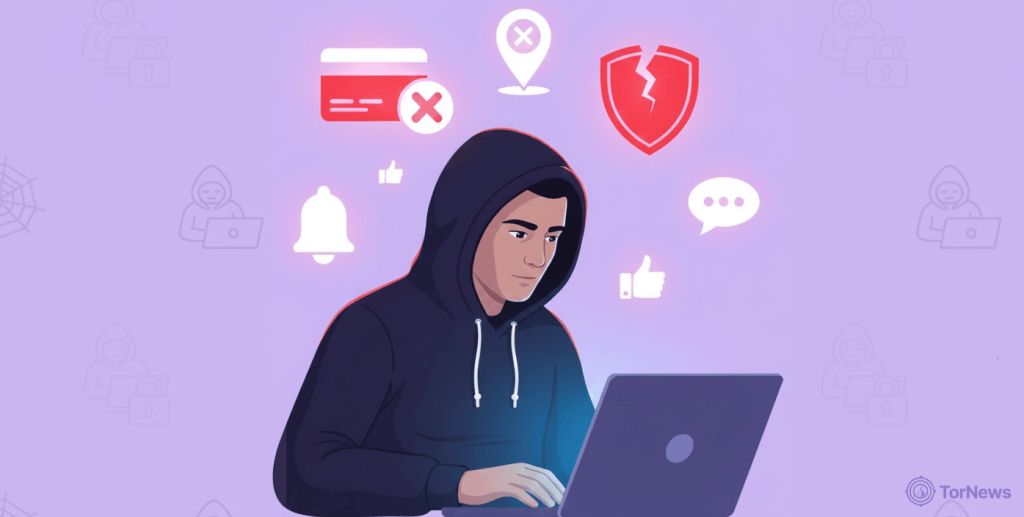
The first thing is to panic, right? Wrong! Your first step is to find out exactly what’s been exposed and which accounts could be at risk. A lot of people learn about breaches from a company notification or maybe a warning from their bank. This risk is not hypothetical. For example, recent reports have shown that complete digital identities, including banking details, can be purchased on dark web markets for shockingly low prices, sometimes as little as $30 (directly challenging the security measures of financial institutions). This highlights how accessible and commodified stolen data has become, making proactive checks essential.
But you don’t have to wait for bad news to show up. You can check yourself—and you really should.
Check a Breach Notification Database
Start with HaveIBeenPwned.com. Seriously, just go there. Type in your email address, and you’ll see every data breach where your info has appeared. Security pro Troy Hunt runs the site—it’s free, it doesn’t store your email, and it won’t spam you. It’s pretty eye-opening.
Don’t ignore old breaches you see in the results, either. Hackers know most people never bother changing their passwords. If your details leaked in 2018 and you still use that password somewhere, you’re at risk.
Try Your Browser’s Security Features
We now have smart browsers with cutting-edge tech. See Chrome and Firefox, for example. They come with tools to see if any breach (known or unknown) is exposing your saved passwords.
You’d find this at the “Safety Check” under “Privacy and Security” in the Settings tab. Or just visit and use Google’s Password Checkup. Chrome will scan your stored passwords and flag any that are compromised. For Firefox, check with “Firefox Password Manager.” It pings you as soon as a breach jeopardizes your password while you’re browsing.
Use a Free Dark Web Scan
Some companies, like Experian, offer free dark web scans. What they do is scan your email, social security number, contact details, etc., and you’ll see whether any of these showed up in shady corners of the web. Now, know this: these dark web monitoring tools are not perfect in terms of accuracy (like any other tool today). However, it’s a good place to start.
Use ID Theft Protection Services
This is a premium move. You’d cut some slack to get deeper monitoring on your credentials. Aura, LifeLock, IdentityForce, and many others are ID protection services. They monitor dark web hubs, chat rooms, marketplaces, and even directories. Round the clock? Yes! That’s why they charge a little fee between $10 to $30 every 30 days to constantly scan for your sensitive information.
Certain services like Surfshark Alert merge VPN encryption with dark web monitoring, a solid combo for an affordable fee of $2.69 every month. They alert you in seconds as soon as they find anything, and even tell you what you could do to secure your information.
What to Do When Your Personal Information is Found on the Dark Web – Detailed Steps

If you’ve confirmed your info is on the unindexed part of the web, then hop on these 8 actions immediately. Don’t skip around or delay—each step builds on the last and strengthens your protection:
1. Change Every Compromised Password Immediately
First things first: change every password that’s been exposed. You’ve used your birthday and wedding anniversary dates as your password combo for too long. Switch things up.
It’s possible for bad actors who have seen this password to randomly use it on an email service, social media, or even the bank app. Guess what? Their guess works, and you’d just see alerts upon alerts of things you never authorized! Form a fresh password 12 characters long, mix lowercase and uppercase, add symbols, and/or numbers.
What’s more! Write the combination down on a material you can access and won’t misplace easily.
“Forgotten password” may not always grant you access when you’re locked out.
Whether it’s your email, bank apps and PIN, social media, or healthcare portals, no matter the service, CHANGE your password.
One more thing: using your “newpassworD2026$$” password on all your profiles can foster ease and consistency. But one breach is enough to spoil the show. Thieves will attempt the password everywhere (Gmail, Facebook, your bank, etc).
So, use different passwords for different platforms. Write down on your jotter or store it with a good password manager. You can check out 1Password, Bitwarden, LastPass, or Dashlane.
2. Toggle on Two Factor Verification
This feature is the second barricade you build around your profile. The first is your password. Should someone break past the first barrier, then the two-factor verification blocks them in a blink.
The technology requires the user to input a 5-digit or 6-digit code into the account they want to access to be sure it’s the actual user who is attempting the login. You’d get code via authenticator apps, SMS, WhatsApp, etc. Failure to provide this code means you can’t pass.
Note, bad actors can steal these codes from you, yes, via the SMS options, which is where authenticator programs like Authy, Google Authenticator, or Microsoft Authenticator come in handy.
3. Watch Your Accounts like a Hawk
While 2FA acts as a defense line, don’t sleep on it. Technology evolves alongside nefarious programs. Bad actors could find a workaround to the barrier and drain your account or claim ownership of your social profiles.
As such, keep an eye on your finances and significant accounts like a hawk. Notice unauthorized debits or comments? Strike back.
Call your bank or report to the service you’re using. For your finances, you can put a fraud alert on your credit reports. TransUnion, Experian, or Equifax can save the day. They can freeze, block, and even terminate unauthorized accounts bearing your credentials.
They make it harder for anyone to open new accounts in your name, since creditors have to check your identity first.
Again, bad actors can clone your bank’s webpage and modify the details, especially the contact section. If you take the bait and call them, you could give out even more sensitive info. That said, visit your bank directly and speak with the customer care team.
4. Report the Event to the Right Entities
When it comes to reporting identity theft, make sure you document everything. Paperwork is your best ally when you’re fighting fraud or proving to your bank that you’re the victim.
Start with the Federal Trade Commission at IdentityTheft.gov. They’ll guide you through a recovery plan and give you an official report you can use with banks and credit bureaus. It’s recognized by law, so it carries weight.
Report to the police department in your area, too, online or in person. Be sure to get a copy; you’ll need it when dealing with financial companies. For serious cases like huge unauthorized money movement or cybercrime, then go to ic3.gov and write to the Internet Crime Complaint Center.
They can’t get your money back directly, but your report goes into federal databases and helps law enforcement track and eventually shut down larger criminal operations.
5. Reach Out to Your Banks and Creditors Directly
Don’t just wait for charges to appear—call your banks and creditors to let them know your information was compromised. Ask them to keep a close eye on your accounts. Always use the phone number on the back of your card, never one you find online.
If any accounts were opened in your name that you didn’t set up—credit cards, loans, utilities, whatever—close them right away. Give the company your FTC and police reports as proof. By law, they have to shut down those fraudulent accounts and remove them from your credit reports.
6. Join the “Monitoring” on the Dark Web
The crimes hiding behind the dark web have caused a lot of people and authorities to commence thorough monitoring in this space. Nefarious people steal data from individuals, companies, or even the government, and then trade it for cash.
To combat this practice, there are underground eyes watching activities happening in this space 24/7. How do you assist? Providing useful information, reporting crime events, or whistleblowing. (This monitoring is typically done using specialized dark web browsers that allow for secure and anonymous access.)
Experian identityWorks, IdentityForce, Aura, as well as Norton LifeLock are firms you can report to, considering their round-the-clock monitoring offer. You can even pay for their insurance and coverage services to protect as many family members as you want.
7. Guard Your Devices
Stop clicking on every single link in your mail, social media, or SMS. Stop giving every app you download access to your device. Why does the random flashlight app need access to your contacts? Think about it!
These are common ways you get malware into your device. What you can do is run full antivirus and malware scans across your gadgets – laptops, tablets, mobile phones, etc.
It will take time for the “Full Scan” to complete. Please, even if you’re in a hurry, don’t go for the “Quick Scan.” It may ignore those sophisticated programs running behind the scenes.
For this, work with Norton, Bitdefender, or Malwarebytes. Enable “real-time protection” in the security tab, and you’re good to go.
Apart from device-level, these tools can protect you on the internet by flagging suspicious links and websites. Once more, always update the programs on your device. You don’t want to miss out on security patches in the new versions.
8. Monitor, Document, and Report Everything
Your digital safety is as important as your real-world safety. You don’t want to wake up to the FBI breaking into your home with an arrest warrant when you’ve barely stepped out in the past 2 days.
ID theft is a serious case that no one should neglect. Someone can clone you via the data they stole or bought off of the dark web, commit crimes, and vanish. Then the innocent you will pay heavily. You can’t deny it; it’s your face, name, address, email, and matching date of birth.
That said, monitor your digital activities and always document any suspicious events. Whether it relates to you or not, it can come in handy. Also, always report fishy incidents to the authorities. This way, they can pursue the case with sophisticated tools and approaches.
Well, of course, the bad actors are leveling up, so are the good guys. So, rest assured, these bad guys won’t always get away easily.
Device Specific Practices – What to Do (iPhone)
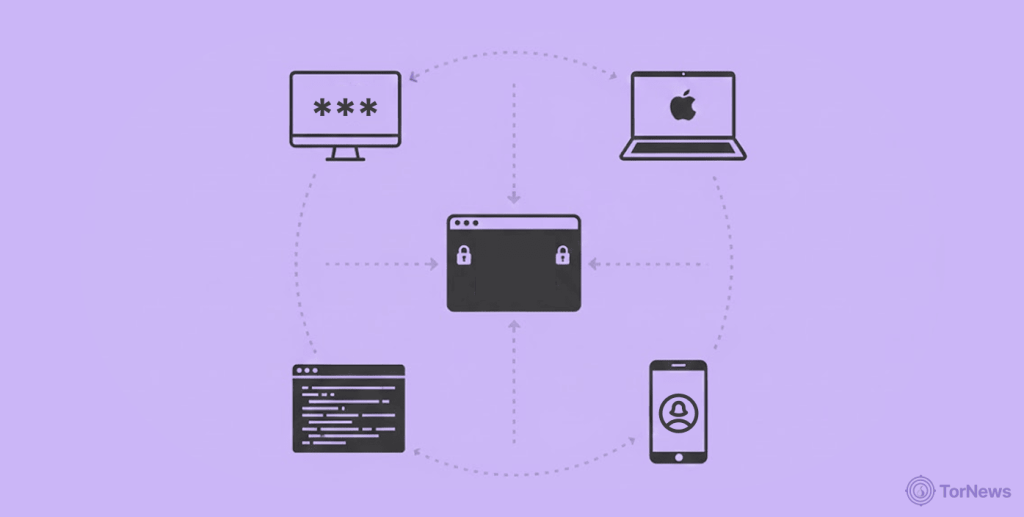
So, your info is leaked, and you use an iPhone; do these:
Password
First, change your passcode. Is it necessary? Not really, but it’s a good start!
Change the password of your Apple ID. This profile is in charge of everything that happens on your iPhone, from iCloud to Find My iPhone, and even App Store purchases.
Use a “hard to guess” password but something you can’t forget tomorrow, and turn on two-factor authentication if you haven’t yet.
iOS Benefits
Take advantage of Apple’s password monitoring.
Check “Security Recommendations” under “Passwords” in the Settings app. iOS records your saved passwords and informs you any time they appear in data breaches. If the passwords are weak, you’d get an alert to update them.
Permission
In “Settings,” check the programs that can access your credentials. Go to “Privacy & Security” and remove the permission for any app you don’t want to access your data (photos, location, microphone, contacts, etc).
Tech
Level up your protection with the “Advanced Data Protection” technology for iCloud. This adds end-to-end encryption to most of the data in your iCloud. That way, not even Apple can see it.
Open “Settings” and tap on your Apple ID (Your name). Scroll to “iCloud” and toggle on “Advanced Data Protection.”
Clean Up
Finally, check out the devices using your Apple profile. In “Settings,” tap on your name and scroll down. Remove any devices you don’t recognize.
Action Steps for Android Users
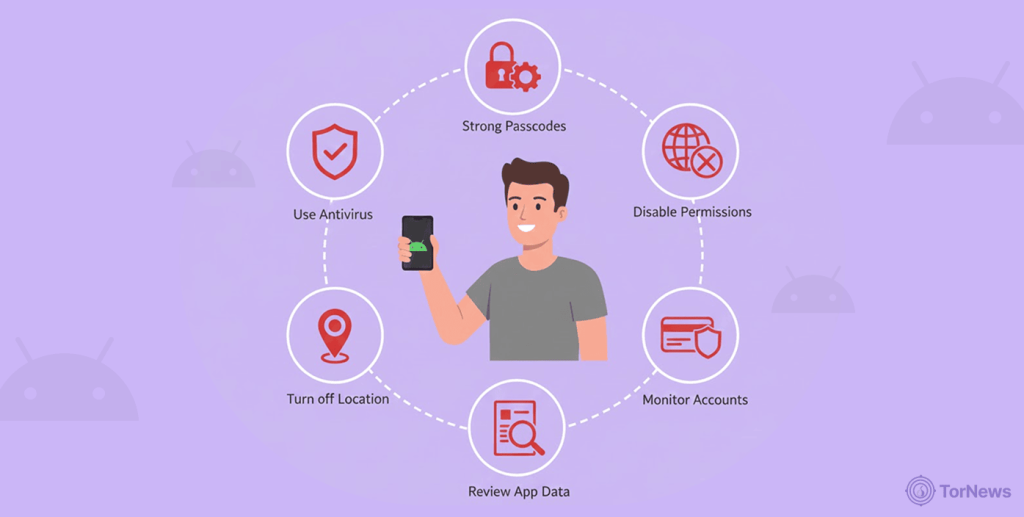
If you’re an Android user, the first place to start is with your Google account. Everything connects through it:
- Update: Replace the existing password with a new strong one and then set up 2FA. Go to myaccount.google.com and review your Security settings.
- Tools: Use the “Password Checkup” tool in the Chrome browser or visit passwords.google.com to display your entire compromised passwords. Google assesses the passwords you save to it and flags any issues with the passwords.
- Overhaul: Do a thorough security checkup on your account. You’ll see your entire security settings, recent activity, linked apps, as well as devices. Remove access from anyone that seems fishy.
- Tech: Don’t forget Google Play Protect. It scans your apps for malware before and after you install them. By default, it’s enabled on the Play Store. However, tap the menu and select Play Protect to make sure it’s turned on. You can even slap on a good antivirus to level things up. Bitdefender, Norton, and McAfee are all good options.
- Permission: Check your app permissions as well in the “Permission Manager.” See which applications have access to the mic, camera, contacts, location, etc. Disable unnecessary apps and revoke the permissions.
Preventive Measures For Your Credentials At a Glance
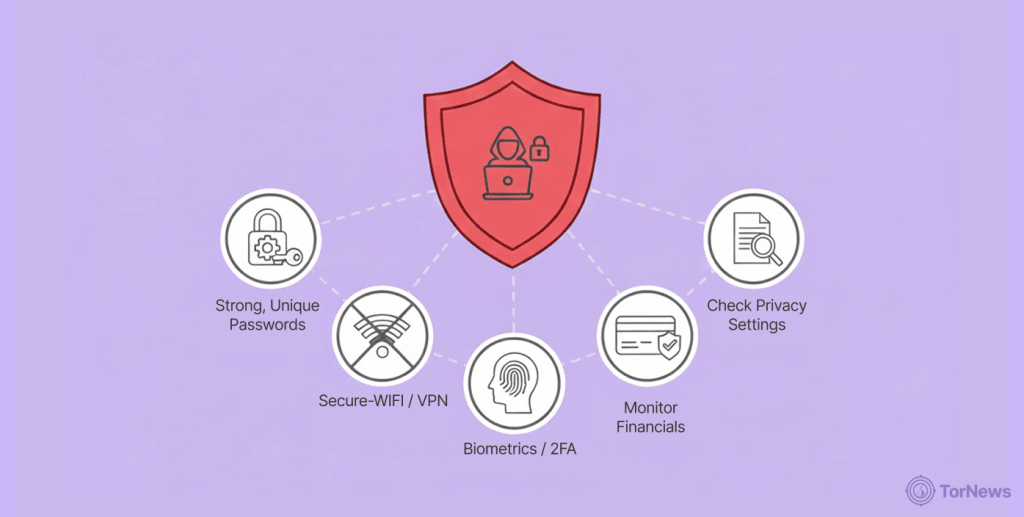
Prevention, they say, is better than cure. If you don’t want your data flying around the unindexed part of the internet, then these preventive measures are for you.
It’s nothing new:
- Protect your new passwords with a good password manager.
- None of your accounts or profiles should share the same password.
- Don’t sleep on two-factor authentication. Set it up for your email, social media, and even bank apps.
- Don’t ignore security alerts from legit web security services.
- Be observant. Scammers can impersonate any service to send you emails that contain malicious links. Don’t fall for it.
- Avoid public Wi-Fi for sensitive activities like banking or shopping. If you must, connect to a VPN first.
- Review your accounts regularly. Don’t just rely on your bank to send you a text alert—go through your statements every month, check your credit reports every few months, and watch for anything unusual.
- Be cautious with what information you give to apps and websites.
- Keep your device software and apps up to date. Enable auto-updates to make things easier.
Common Mistakes to Avoid After Data Breaches
- Update passwords for all your accounts, not just the most obvious ones, and don’t use weak variations like “Password1” or “Password2.”
- Don’t delay handling the problem. Telling yourself, “I’ll get to it next weekend,” is risky. Every hour you wait is more time for thieves to act. They move quickly.
- Don’t skip 2FA. It’s an invaluable alarm system for your digital world.
- Look out for unfamiliar access or strange activities on your accounts.
- Don’t fall for fake follow-up emails. Observe the spelling of the brand, links, and email address too.
- Document everything from email to phone call. It comes in handy when fighting fraud.
How Your Info Reaches the Dark Web
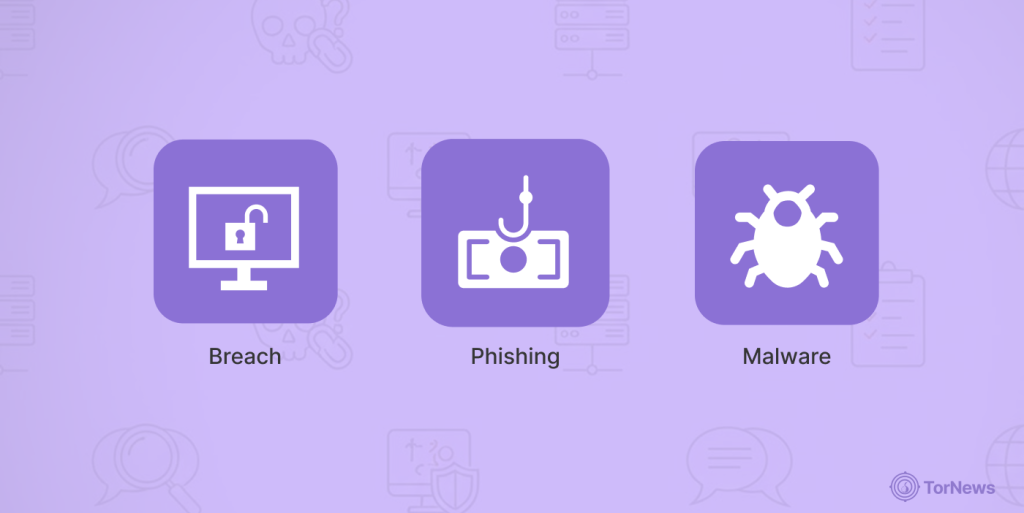
If you learn how your data got into the shady part of the web, then prevention becomes efficient:
- Breach: Usually, it starts with a breach of a major firm (retailer, social network, or even a hospital). The millions of data points in the firm’s custody, such as emails, credit cards, addresses, etc, get hijacked. The bad actors then monetize these stolen databases on the dark web. This is not an abstract threat; these stolen identities fuel major criminal operations. For example, the FBI recently seized a dark web domain central to a scheme that hijacked $28 million from bank accounts using precisely this kind of stolen personal data.
- Phishing: Phishing is everywhere, too. Those emails or texts that seem real? They’re not. Scammers love sending messages that try to scare you—like “your account is at risk” or “your package couldn’t be delivered”—all to get you to click a link and enter your info on a fake website.
- Malware: Malware is another threat. For example, keyloggers, these sneaky scripts capture every single key you tap on the keyboard. That means passwords, credit cards, everything. Once they’re on your device, nearly anything you do online can be stolen.
- Info-stealers: Info-stealers are hunting as well. They overhaul your PC, collect saved passwords, virtual asset wallets, or anything that can fetch money when traded. They infiltrate your device through masked email attachments, weird websites, or even pirated tools.
- Public Wi-Fi: Imagine you’re at a hotel reception office, signing into your bank app over the hotel’s Wi-Fi. If the Wi-Fi isn’t secure, someone just a few tables away could intercept your login information right off the network.
- Social engineering: There’s also classic social engineering. Scammers fake to be tech support from a service you use, your bank, or some key agency. They try to pressure you to act fast on their demand. Some are pretty good at convincing unaware victims.
- Physical theft: Let’s not forget this possibility, too. If your laptop or phone gets snatched and you have no protection on it, the thief can access whatever is stored on the memory.
Now you know these, fishing out threats won’t be a hassle. And you can actually take steps to protect yourself.
Your Data’s on The Dark Web – Panic or Relax?

Your personal credentials on the dark web is like a punch to the gut. You’d panic and imagine worst-case scenarios. That feeling is real. Meanwhile, a lot of people try to shrug it off—“It’s only my email,” or “Who would care about me?” But ignoring it doesn’t protect you. If anything, it just leaves you more exposed.
Next comes frustration for many. Maybe you’re mad at the firm that got breached, the bad actors, or the fact that you used one password everywhere. It’s totally fine. However, channel that energy into improving your security. You have a lot more control than you realize.
Then there are the over-researchers. Those who read every article, compare every tool, but never actually take action. Searching for the “perfect” fix just delays the practical steps that really make a difference.
So what should you do? Let that anxiety motivate you. Don’t freeze, but don’t push it aside either. Your info showing up on the dark web isn’t good, but it’s not the end of the story. It just means it’s time to respond.
Make a checklist. Seriously—it helps. Update all your passwords, turn on 2FA, monitor, report, and document everything.
Final Word
Discovering your information on the dark web? That’s tough. It stings, and it’s serious. But now you know your next steps. Don’t waste time searching for a miracle solution. Acting fast is key. The sooner you move, the less harm hackers can cause with your info.
Begin with your email and bank accounts—they’re usually the main targets, then handle the rest. And really, don’t hesitate to ask for help. Seriously. Plenty of people have gone through this. Banks, credit bureaus, and fraud specialists deal with it all the time, and they’re ready to help.
Still have questions about securing your accounts after a breach? Ask below. We’re here to support you. And if this advice was useful, share it—someone else might need it, too. Take care of yourself. You’ve got this. Digital security isn’t just for experts—it’s for everyone.
FAQs
Yes! It’s a serious matter, but don’t panic. Follow these steps instantly to cut down your risk. You’d avoid the worst consequences.
Change your passwords, especially for affected accounts. Next, enable two-factor verification. These two give you quick protection as you deal with the rest.
Use a free password manager like Bitwarden to update your passwords. Set up 2FA with a free service like the Google Authenticator app. Use tools like HaveIBeenPwned (free again) to scan for breaches. Also, you can get your yearly credit reports for free at AnnualCreditReport.com.
If your iPhone shows a dark web alert, go to “Security Recommendations” under “Passwords” in the Settings to see which passwords to update. Review your app permissions and tighten things up. Toggle on “Advanced Data Protection” for iCloud for extra protection.
Use Google’s Password Checkup to find weak or compromised passwords. Run a security checkup at myaccount.google.com/security-checkup. Turn on Google Play Protect and consider installing a reputable mobile antivirus. Also, go to Settings and limit app permissions in the “Permission Manager.”
Sometimes it happens via a phishing email or malware, or public Wi-Fi, too. Sometimes, apps or services you use get compromised, so your data winds up on the dark web without you knowing.
Once your information is out there, you can’t really pull it back. But you can make it useless to criminals, and you don’t need to pay for that. Change every password that’s been exposed, enable two-factor authentication, place fraud alerts or freezes on your credit, and watch your accounts closely.